TL;DR
- WISMO calls are "Where is my order?" calls. A system can answer most of them, because the answer is already in your order data.
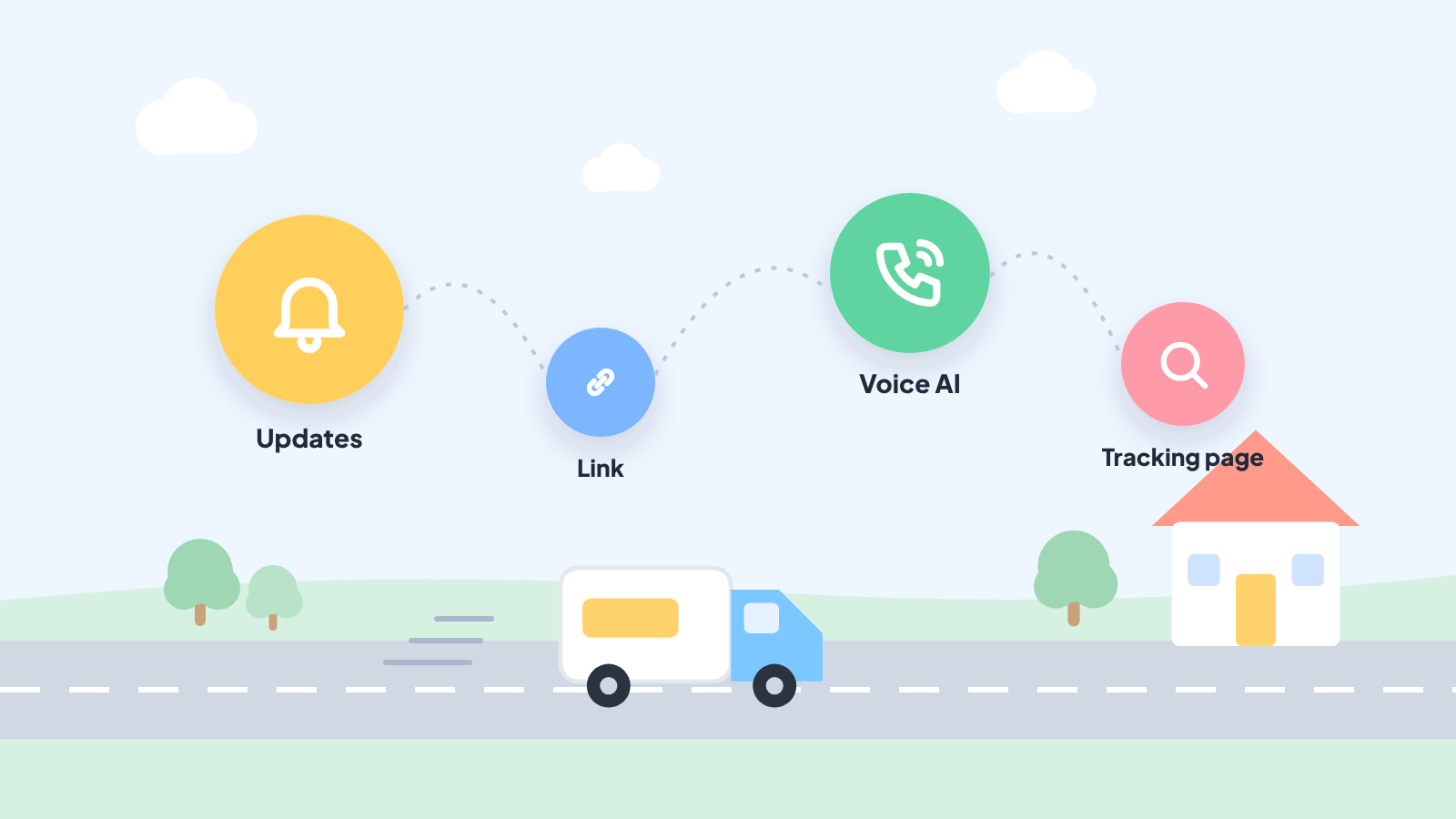
- You can automate WISMO calls in four ways: send updates before customers call, add a tracking link, let an AI voice agent answer, and add a self-service tracking page.
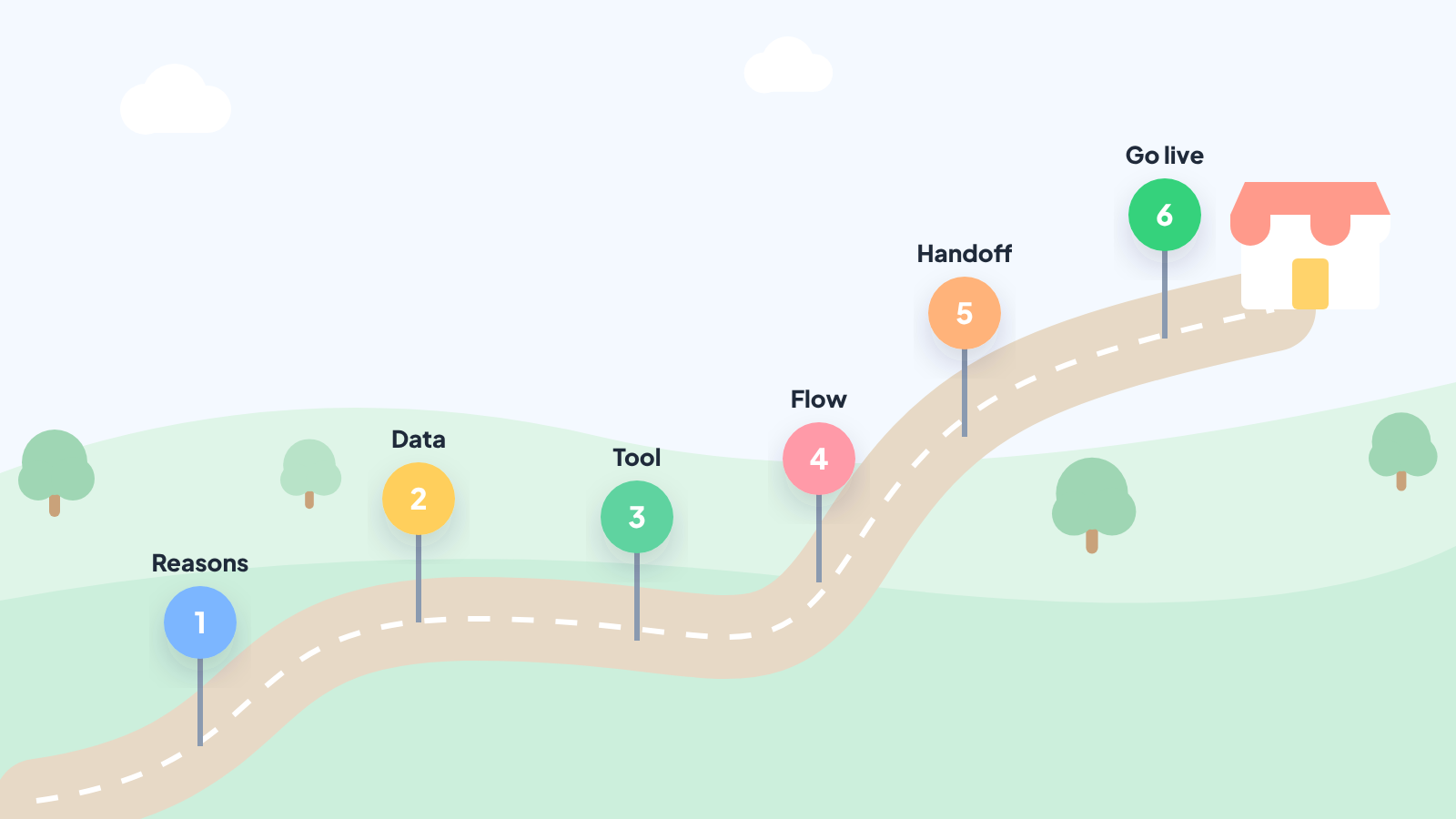
- Set it up in six steps: list your call reasons, fix your tracking data, pick a tool, write the call flow, set handoff rules, and turn it on in stages.
- Keep a person ready for lost packages, upset customers, and large orders.
- Check your call numbers every week for the first month.
Introduction
It is almost closing time. The phone rings. A customer asks, "Where is my order?" You find the tracking number, read it out, and hang up. Ten minutes later, the phone rings again.
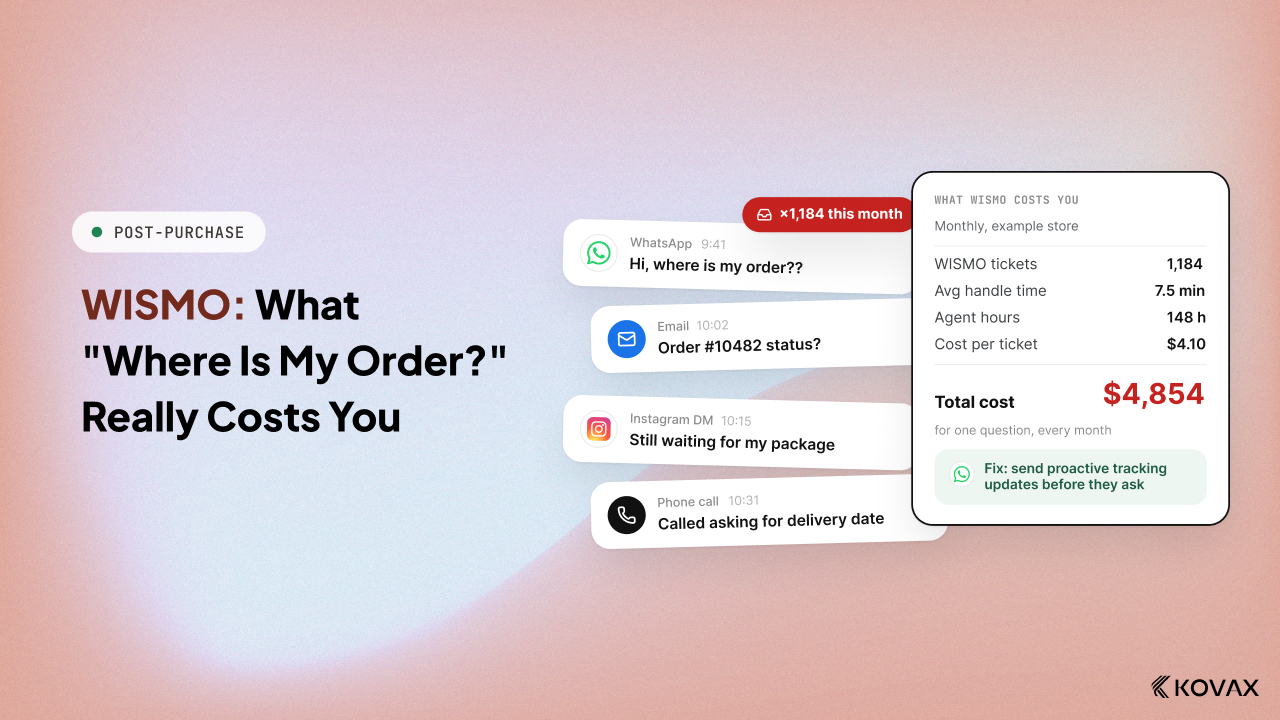
If that sounds like your week, it is time to automate WISMO calls. WISMO stands for "Where Is My Order?" Every online store gets these calls, and the answer is almost always sitting in your Shopify order data. A person should not have to look it up each time.
This guide shows you how to automate WISMO calls on Shopify, step by step. You will learn which calls a system can take, four ways to do it, what the call should say, and when a person should step in. Want to know what these calls cost your store? Read our WISMO guide. This post is the how-to.
Want to hear it first? Try the Kovax demo.
Which WISMO calls can you automate, and which need a person?
Not every "where is my order" call is the same. Some are simple. Some need a kind human voice.
Here is a simple rule. If the answer is a fact in your order data, automate it. If the call needs a judgment or a kind word, send it to a person.
| Call type | Automate it? | Why |
|---|---|---|
| Where is my order? | Yes | The status is in your order data |
| When will it arrive? | Yes | The carrier gives a date or a window |
| Did my order ship yet? | Yes | It is a yes or no fact |
| What is my tracking number? | Yes | The link can be said or texted |
| Can I still change my address? | Sometimes | It depends on whether the order has shipped |
| Tracking says delivered, but I did not get it | No | A person needs to check and decide |
| My package arrived damaged | No | It needs care and a fix |
| I want a refund | No | It needs a decision |
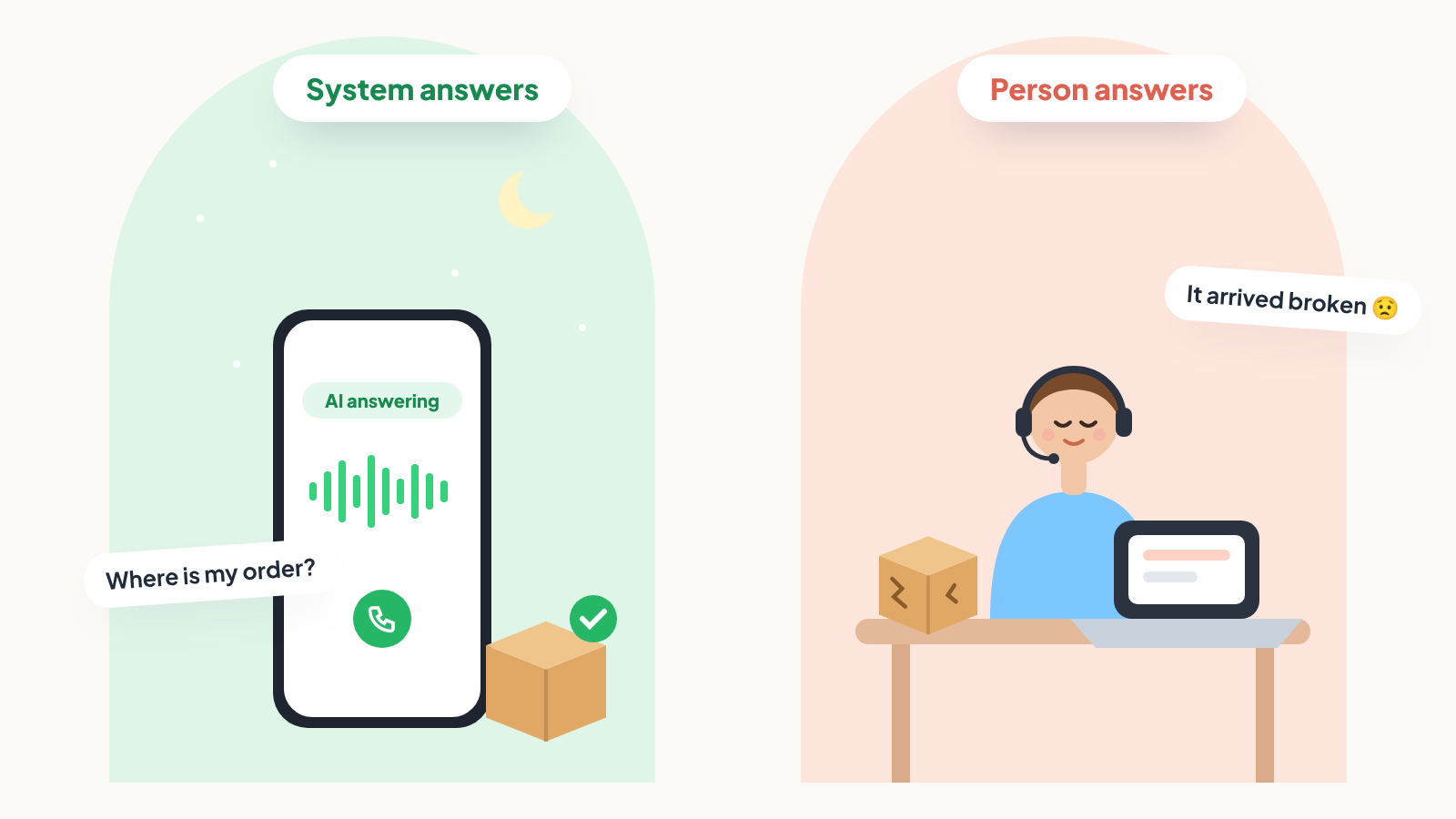
Check your call log for one week first. Three or four call types usually make up most of your calls. Start with those.
Timing matters too. WISMO calls jump during sale weeks like Black Friday, when more orders ship at once and carriers run late. If a sale is close, set this up before the rush. Our BFCM prep guide covers the rest of your store.
4 ways to automate WISMO calls on Shopify
You do not have to pick only one. Most stores get the best results when they stack two or three of these.
1. Tell customers before they call
Most WISMO calls start because the customer feels left in the dark. So tell them first. Send an update when the order ships, when it is out for delivery, and when it is late. You can send these by text, WhatsApp, or email.
Keep each message short. Here are three you can copy:
- Shipped: "Good news, Sam. Order 1042 has shipped. Track it here: [link]."
- Out for delivery: "Order 1042 is out for delivery today. Track it here: [link]."
- Late: "Order 1042 is running two days late. The new date is Friday. We are sorry. Track it here: [link]."
The late message matters most. A customer who hears "Your order is two days late, and here is the new date" is far less likely to call. A customer who hears nothing will call.
2. Put a tracking link in every message
A tracking link lets people check the status themselves in one tap. Put it in your shipping emails and texts. Keep the link near the top.
3. Let an AI voice agent answer the calls that still come
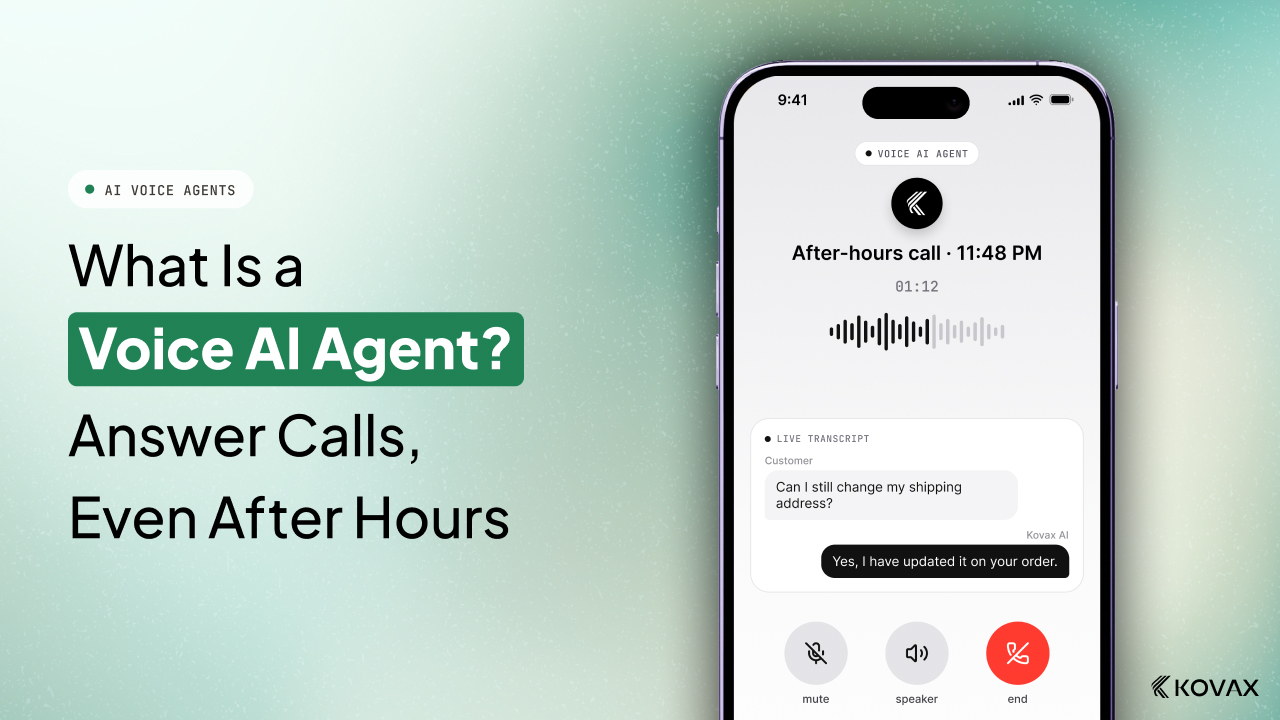
Some people will always call. They want an answer now, from a voice. A voice AI agent can pick up, ask for the order number, look up the order, and say the status. It works at night and on weekends too, so you stop missing calls.
Kovax does this for Shopify stores. It is an app you install from the Shopify App Store. It uses your order data to answer the call, and it passes hard calls to your team.
4. Add a simple self-service tracking page
A tracking page lets a customer type in an order number and see the status. It helps people who like to look things up alone. Keep the page easy to find, and link it in your footer and in your messages.
Which one should you start with? Start with the first two. They stop many calls before they begin. Then add the voice agent to catch the rest.
How to automate WISMO calls on Shopify, step by step
Here is the full plan. Do the steps in order.
Step 1: List your top call reasons
Look at one week of calls. Write down why each person called. Tally them up. You are looking for the top three or four reasons. For most stores, "Where is my order?" sits near the top.
Step 2: Fix your tracking data
An automated call can only say what your data says. If tracking numbers are missing or late, the call cannot give a good answer. Check that every order gets a tracking number, and that your carrier updates it. Fix the gaps now. This step saves you the most pain later.
Step 3: Pick your tool and your phone number
Choose a tool that can answer calls and read your Shopify order data. Here is a short checklist:
- It reads your order status and tracking details.
- It sounds natural and speaks in short, clear lines.
- It sends hard calls to a person, with notes.
- It records calls and gives you a report, so you can learn from them.
- It answers at any hour.
With Kovax, you install the app from the Shopify App Store. You can buy a phone number inside the app or bring your own. If you already have a store number, keep it, so customers do not need to learn a new one.
Step 4: Write the call flow
Plan what the caller hears, one step at a time. Greet them, ask for the order number, say the status, offer a next step, and end the call. Keep it short. The next section shows you a sample.
Step 5: Set your handoff rules
Decide when the call goes to a person. Pick the cases from your "needs a person" list. Also decide who takes the call, and what happens after hours.
Step 6: Turn it on in stages
Do not switch everything on at once. Start with after-hours calls, or a small share of calls. Listen to the results. Then open it to all WISMO calls.
Want to know how much time this could save? Use the ROI calculator to see it for your store.
What should an automated WISMO call say?
A good call is short and clear. The caller wants one thing: the status. Give it fast.
Here is what a good call sounds like:
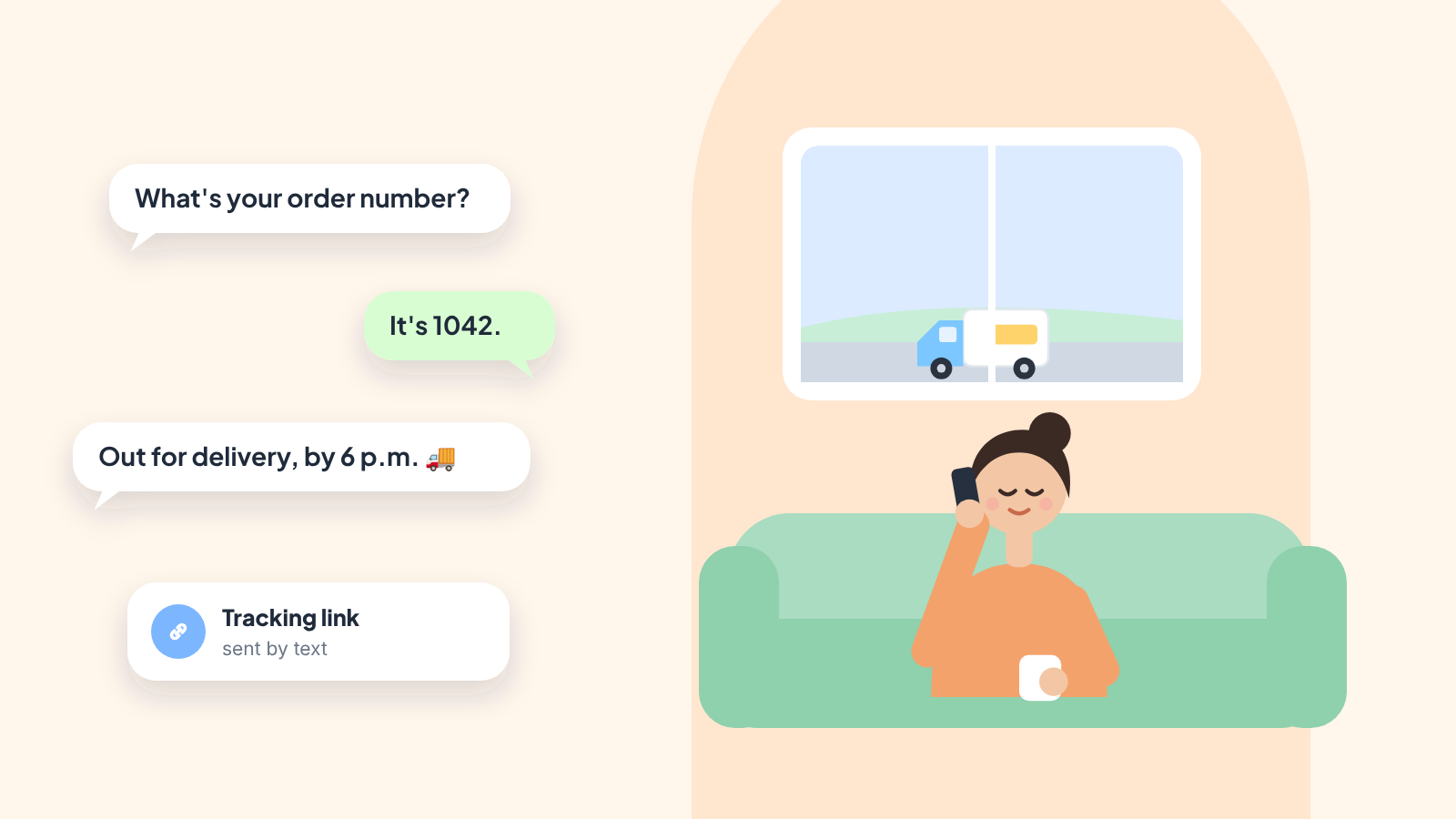
A few rules make calls like this work:
- Say the status first. Do not make people wait through a long greeting.
- Do not read long tracking numbers out loud. Send the link instead.
- Use a real date or window. "Out for delivery today" beats "soon."
- Offer a person. Always give a clear way to reach your team.
- Say it is automated. Be honest. Most callers will not mind if the answer is fast and right.
When should a person take over a WISMO call?
Automation is not for every call. Some calls need a person. Send these to your team:
- Lost packages. The tracking has not moved for days.
- "Delivered" but not received. Someone needs to check and decide what to do.
- Damaged items. The customer needs care and a fix.
- Upset customers. If a caller sounds angry, or asks for a person, let them speak to one.
- Large or special orders. Big orders, gifts, and business buyers need a personal touch.
- Orders the system cannot find. If the order number does not match, a person can help.
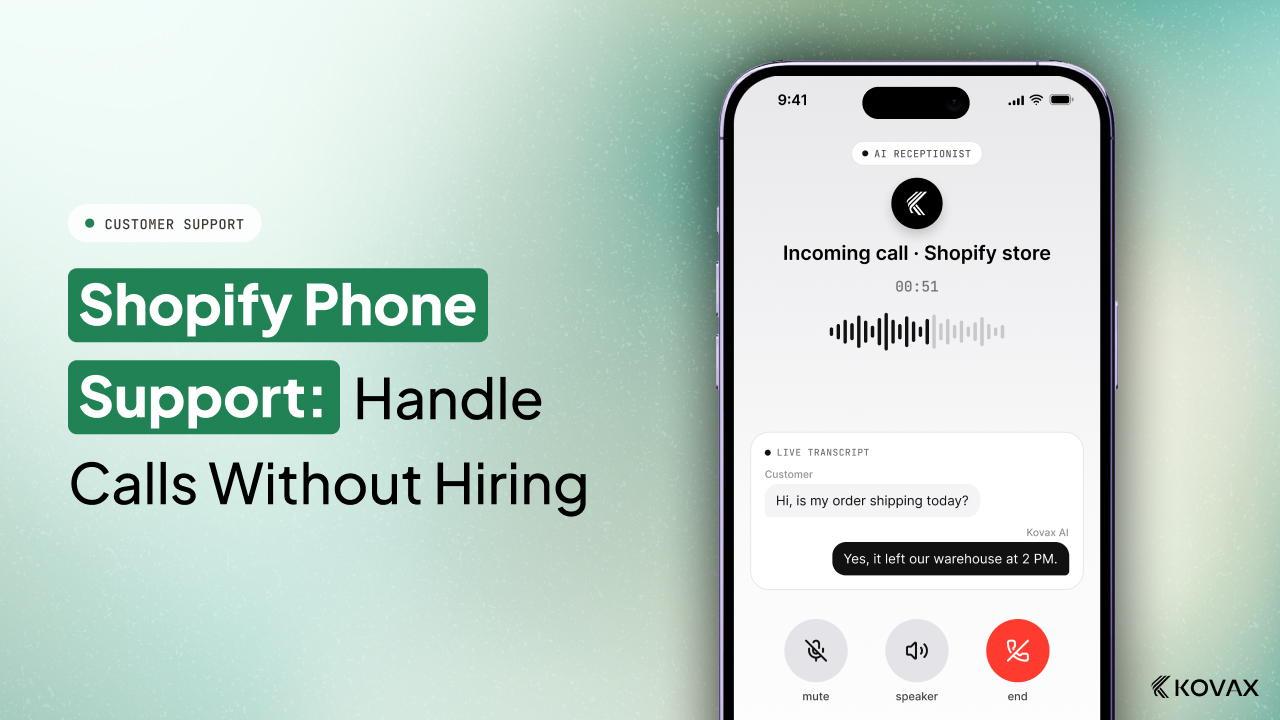
When you hand off, pass along what the caller already said. Nobody likes saying the same thing twice. A good setup sends your team the order number and a short note, so they can start helping right away. For a longer look at running phone support without extra staff, read our guide to Shopify phone support.
How to test your automated WISMO calls before you go live
Test before real customers call. It takes about an hour, and it saves you from bad calls.
- Call it yourself. Use five to ten real orders. Try ones that shipped, ones that are late, ones that were delivered, and one that does not exist.
- Try messy calls. Give the wrong order number. Speak fast. Talk over the voice. Call from a noisy place.
- Ask a teammate to call. A fresh ear will find problems you missed.
- Check the handoff. Make sure the call lands with a real person, and that your note arrives with it.
- Listen to the recordings. Fix any line that sounds confusing.
- Start small. Turn it on for after-hours calls first. Then add more.
What to track after you automate WISMO calls
You should see a change in a few weeks. Here are the numbers to watch:
- WISMO calls per week. Compare them to your first count in Step 1.
- Calls solved without a person. This is the main win.
- Handoff rate. How many calls still go to your team, and why.
- WISMO emails and tickets. These should go down as well.
- Repeat callers. If the same person calls twice, the first answer was not clear.
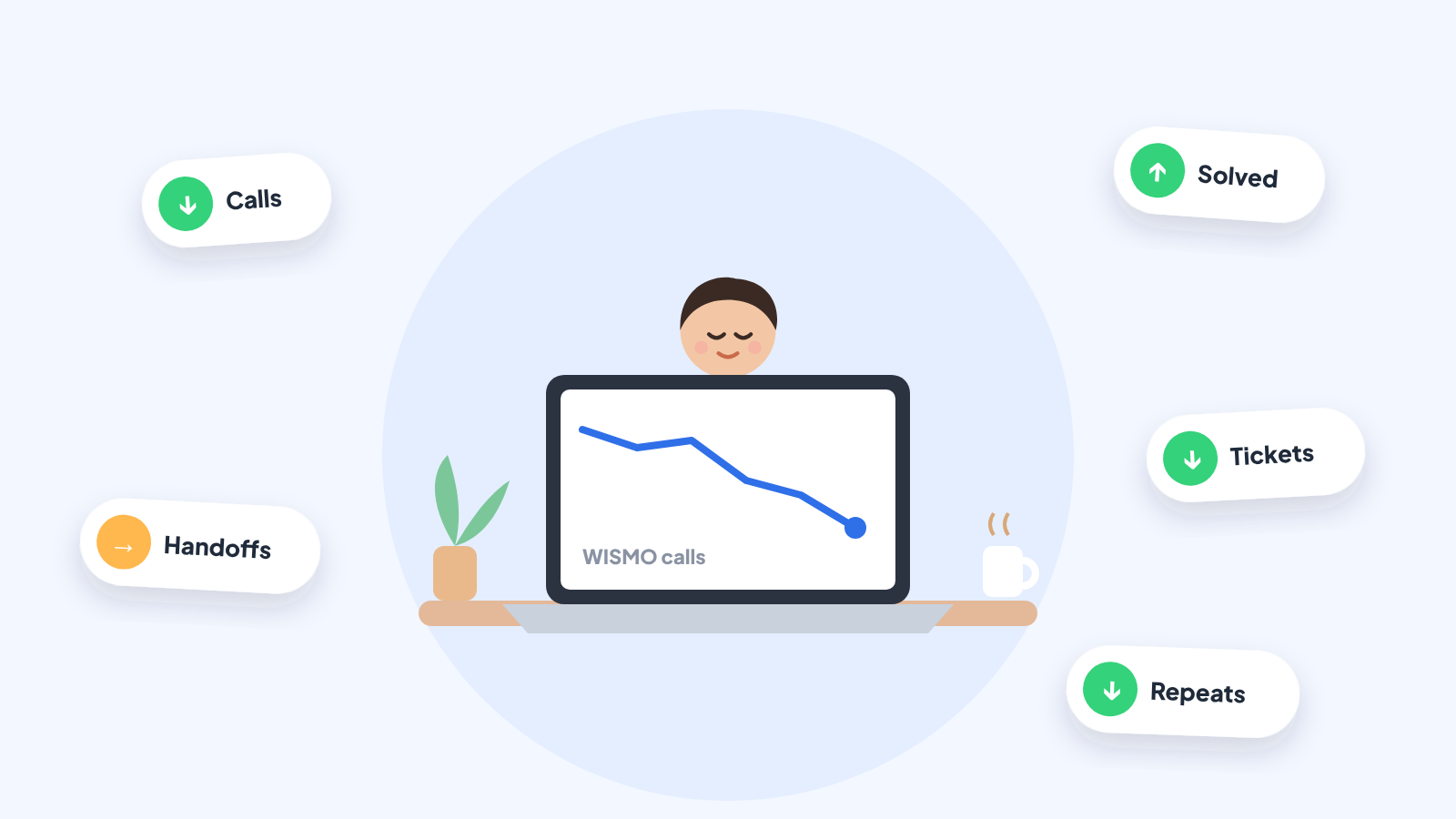
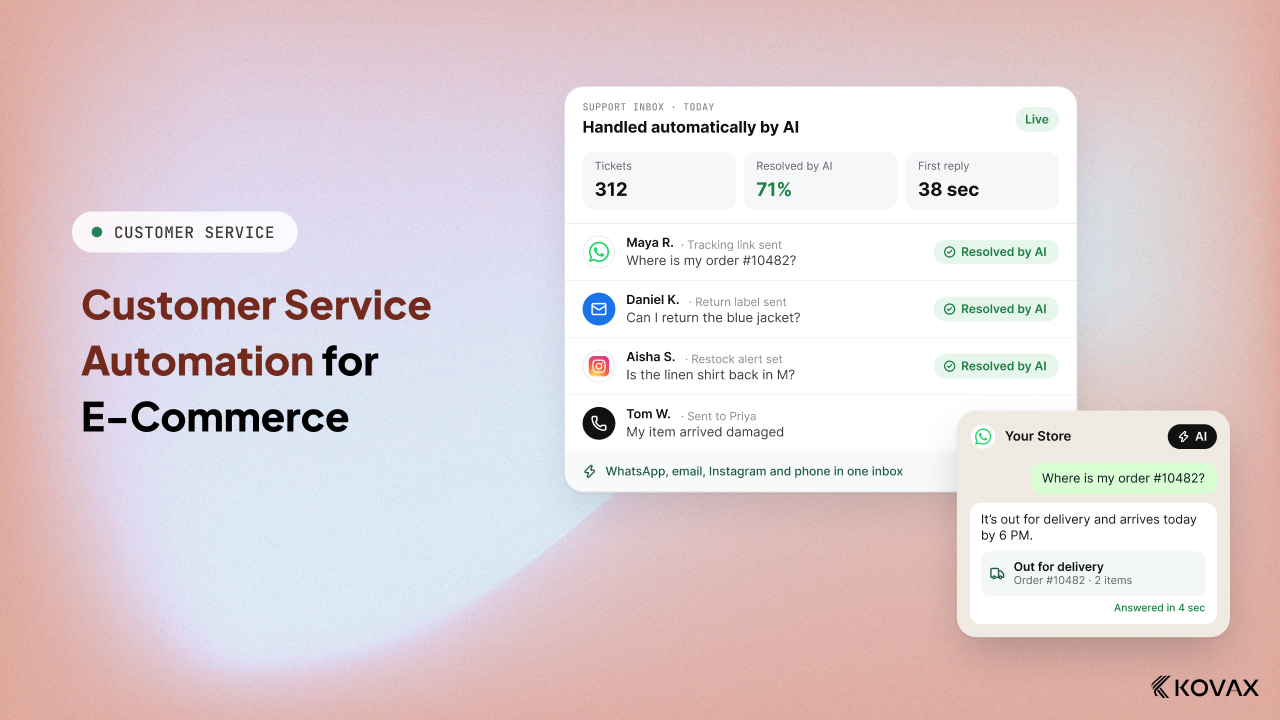
Check these every week for the first month. Then check once a month. If the handoff rate is high, look at the reasons. You may need a new rule or a clearer line. For more ideas on what to hand to automation, see our guide to customer service automation.
Mistakes to avoid when you automate WISMO calls
- Automating before fixing tracking data. The call is only as good as your data.
- Making the call too long. People want the status, not a speech.
- No way to reach a person. This is the fastest way to upset a caller.
- Waiting for the customer to call first. Send delay updates before they ask.
- Promising dates you cannot keep. Use the carrier's date, and say when it is an estimate.
FAQs about automating WISMO calls
How do I answer "where is my order" calls automatically?
Use an AI voice agent that can read your Shopify order data. It picks up the call, asks for the order number, and says the status. It passes the call to a person when it cannot help.
Can I automate WISMO calls without hiring more agents?
Yes. Automation takes the simple status calls, so your current team can focus on harder ones. You do not need to add people to handle more of the same question.
Will customers know they are talking to AI?
You should tell them at the start of the call. Most callers care more about a fast, clear answer than about who gives it.
Can I automate WISMO calls after hours?
Yes. A voice agent can answer at night and on weekends, so a late-night caller gets an answer instead of a ringing phone.
What if tracking says delivered but the customer did not get it?
Send this call to a person. It needs a check and a decision, such as a search, a replacement, or a refund.
Do WISMO tickets go down too?
They often do. Customers who get updates and a tracking link write in less. Track WISMO tickets next to your calls.
Automate your WISMO calls with Kovax
Kovax is a Shopify app that answers "where is my order" calls for you. It uses your order data to give the status, works day and night, and passes hard calls to your team. You install it from the Shopify App Store.
Hear the Kovax demo or see how Kovax works.