Minutes
from brief to campaign
Live
Shopify segmentation
Auto
flows that run themselves
Last
step in the channel chain
How a campaign gets from brief to inbox
The blank page and the stale list are the two things this replaces.
Describe the campaign in plain English
"Win-back email for customers who bought the serum 60+ days ago" is enough to start from.
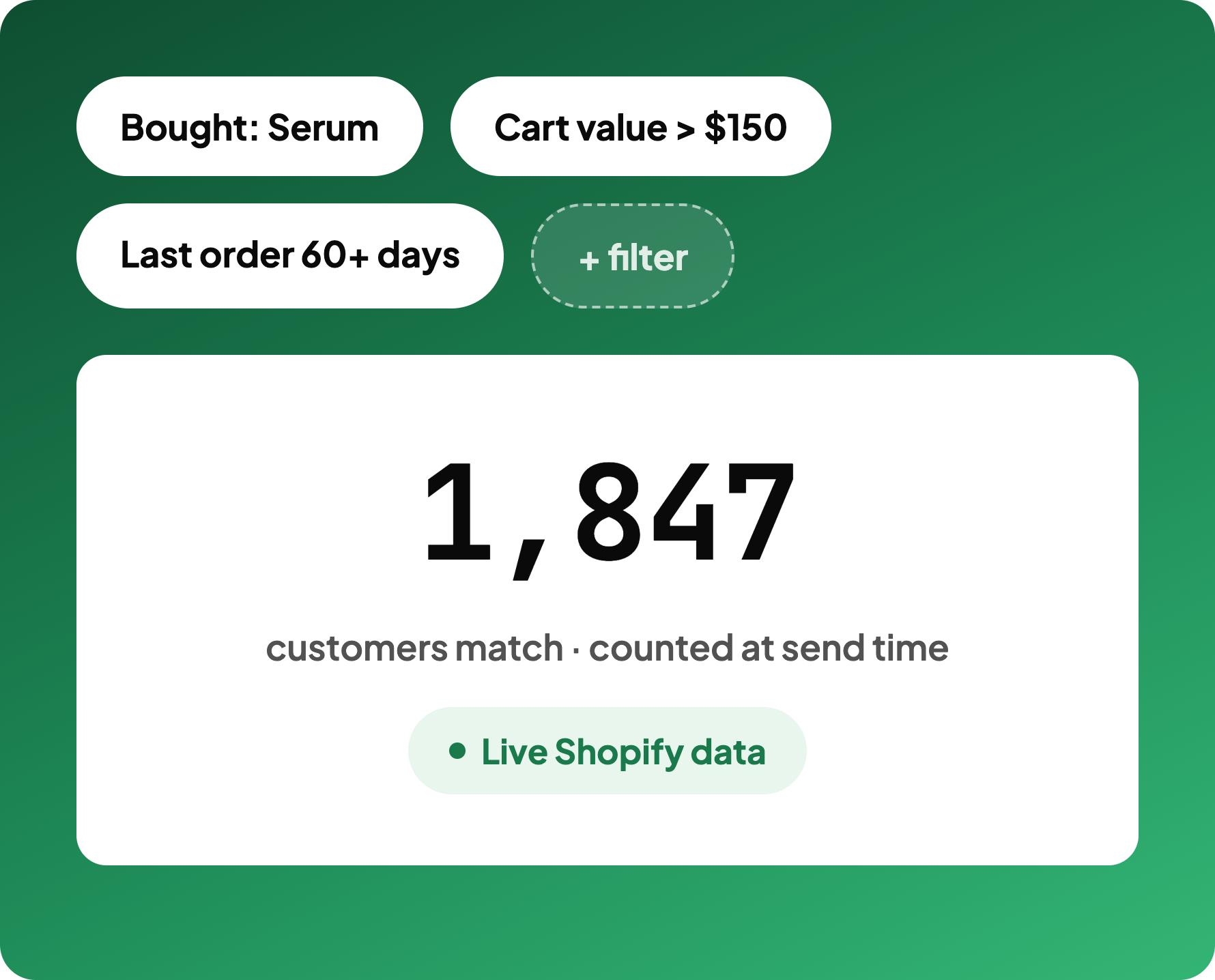
AI drafts subject lines and body copy
Built around the product and the audience, so a send goes out in minutes, not a week.
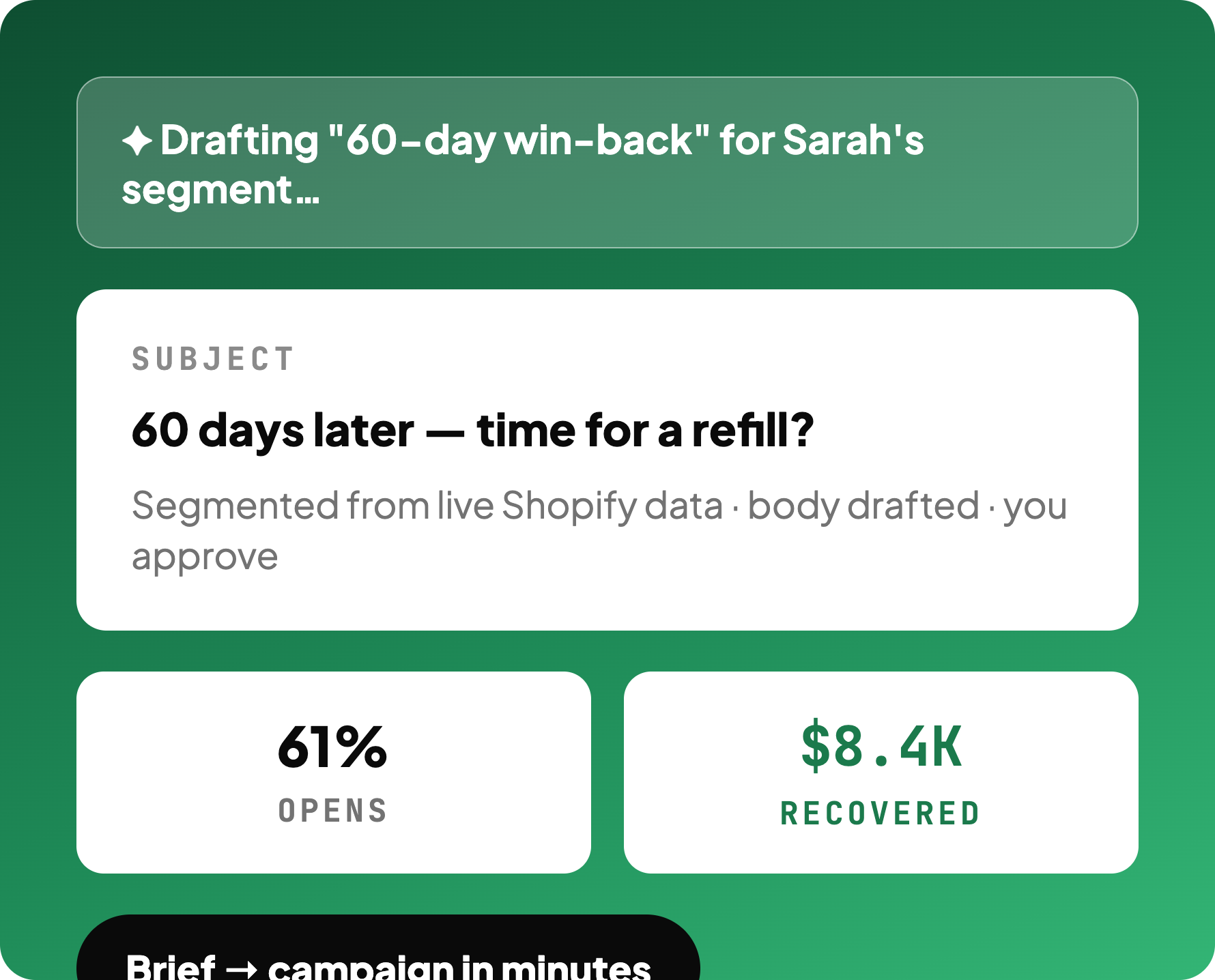
Segment builds itself from live Shopify data
Who bought what, cart value, days since last order — counted fresh at send time.
It sends, or waits its turn in a flow
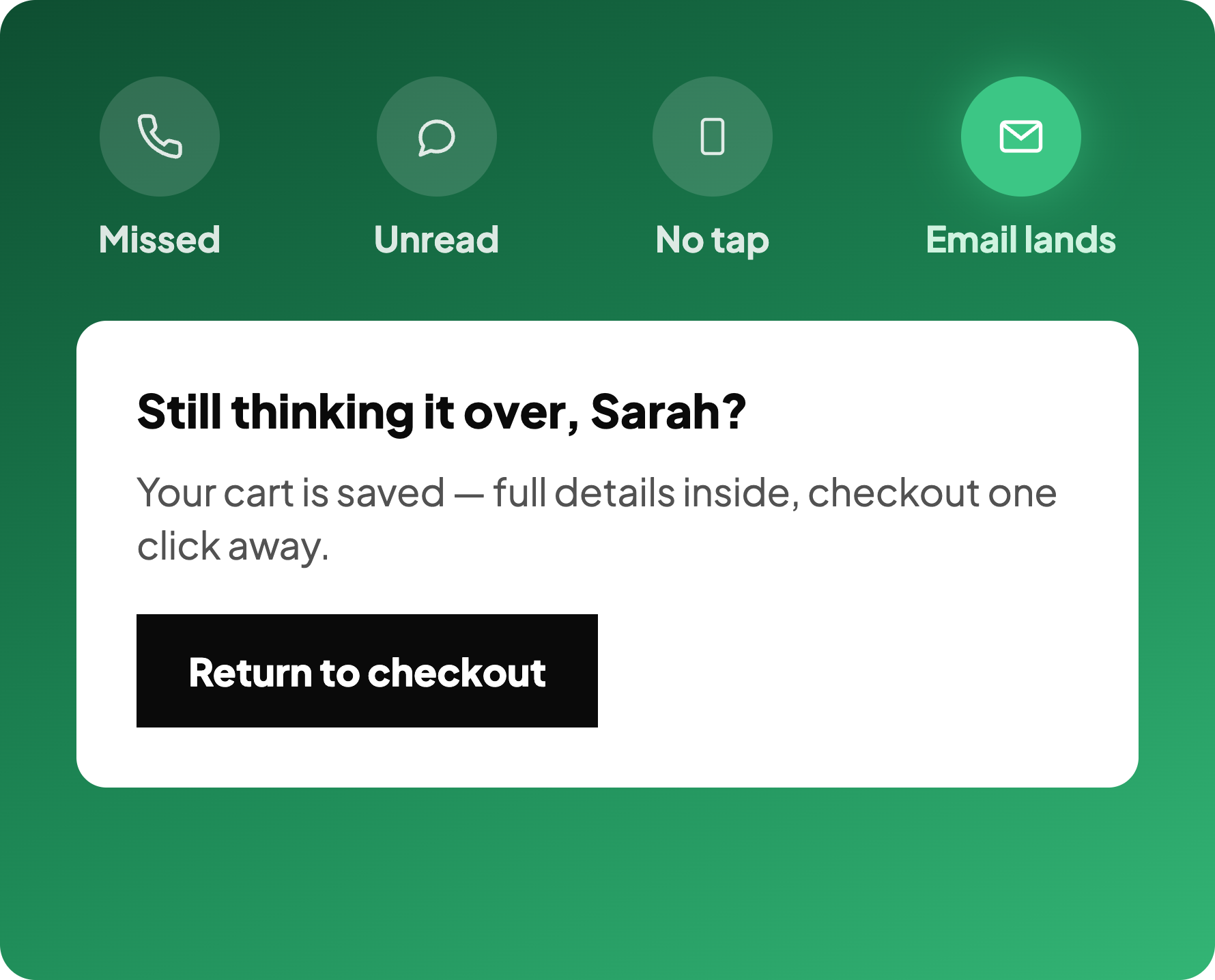
As a one-off campaign, or as the last step after a call, WhatsApp and SMS all go unanswered.
Shopify email marketing, drafted by AI
Describe the campaign and the AI produces subject lines and body copy built around the product and the audience, so a send goes out in minutes instead of sitting in a drafts folder for a week.
You edit and approve. It just removes the blank page.
Customer segmentation from live store data
Audiences come from live Shopify data: what someone bought, what they abandoned, how much they spend, how long since they ordered. The list is current at send time rather than an export from last month.
That is why a win-back email can reference the exact item somebody left behind.
Email automation flows that run themselves
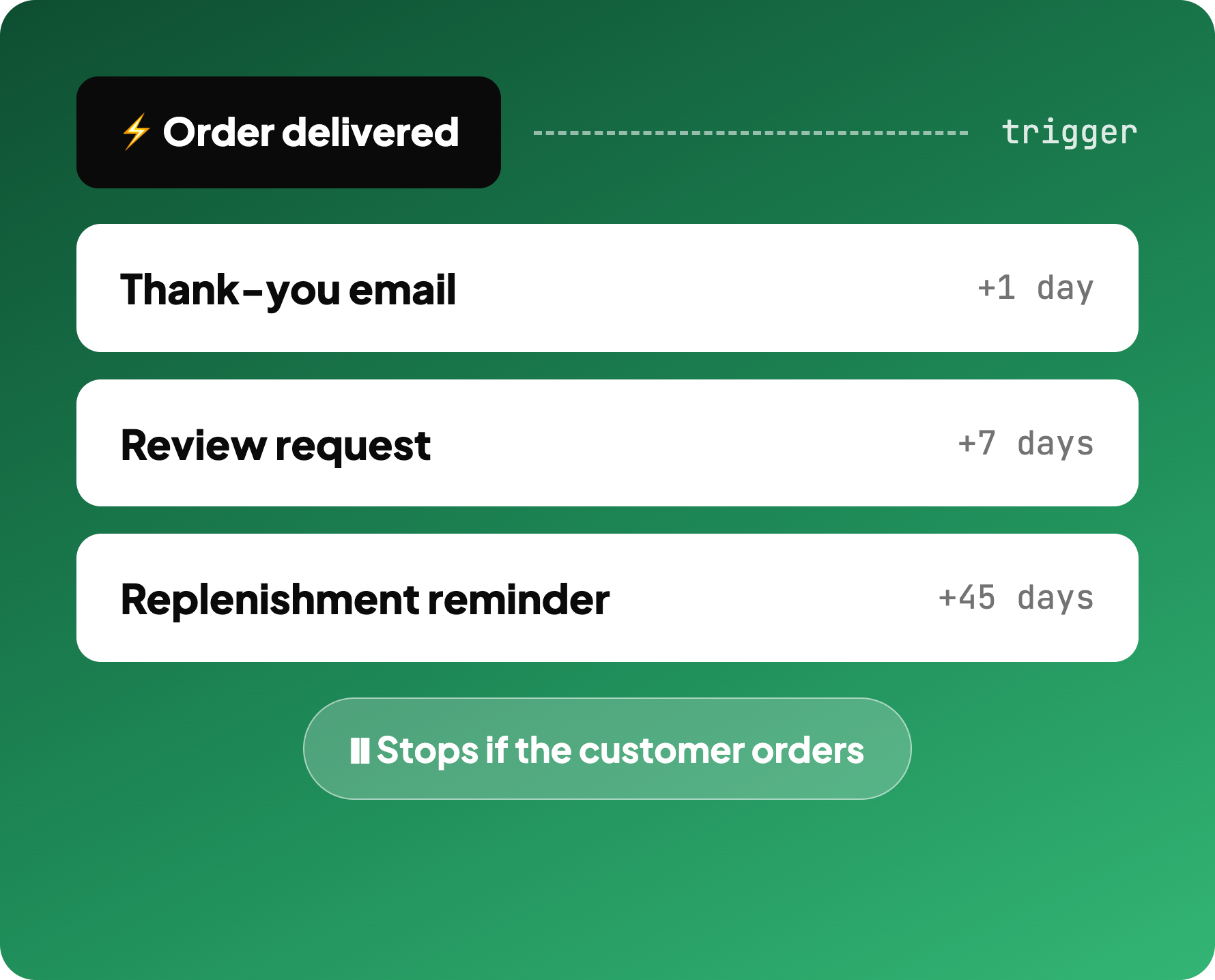
Set the trigger and the sequence runs on its own: welcome, post-purchase, replenishment reminder, win-back. Each one fires off a real store event rather than a calendar date.
Timing, spacing and stop rules are yours to set.
Abandoned cart email for Shopify as the final step
Campaign analytics on every send
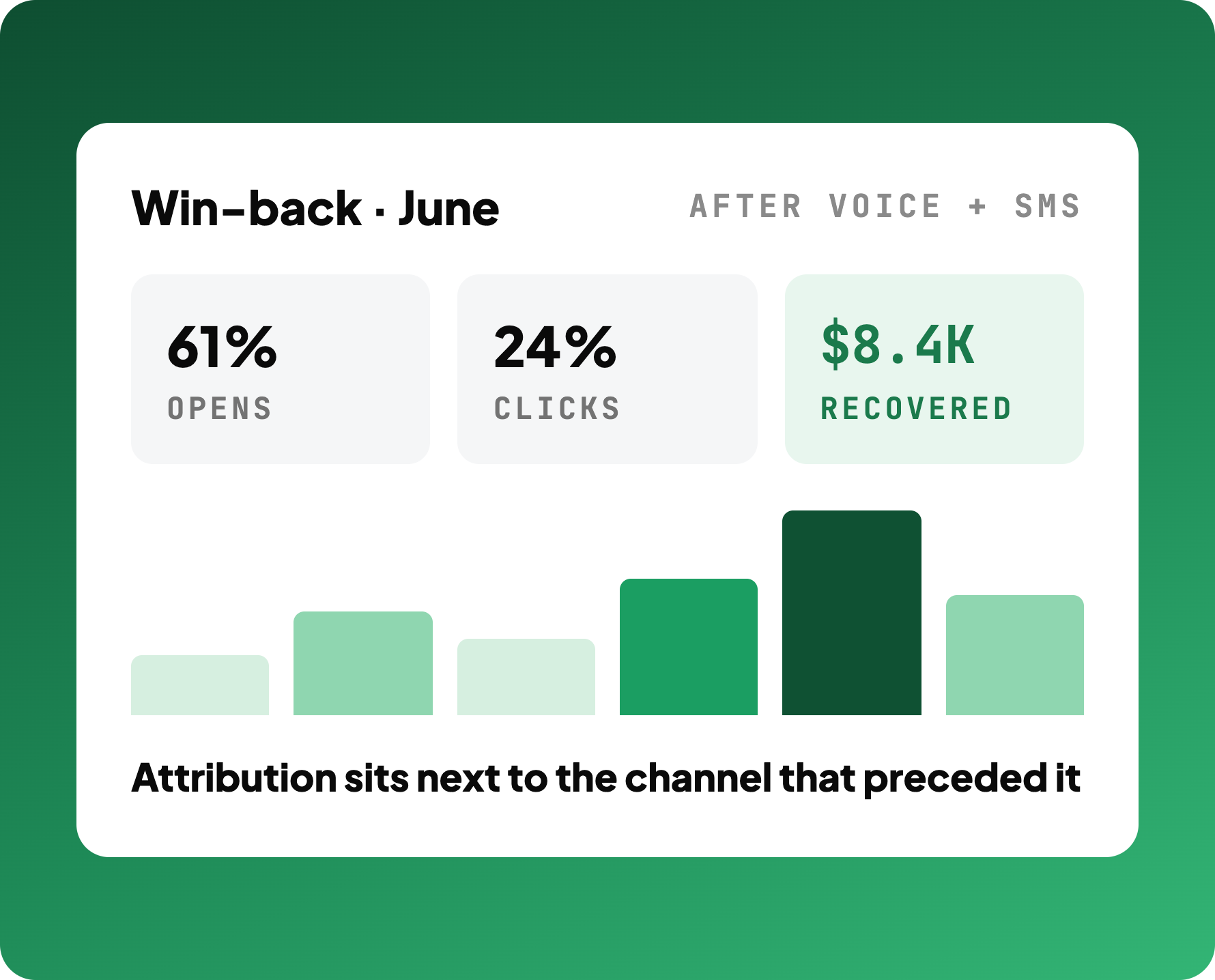
Every campaign and flow reports on its own, so you can see which send earned the order and which channel it followed. Attribution sits next to the cost of the attempt.
That is how you learn that a call recovers the cart and the email just closes the paperwork, instead of guessing.
"80% of our 'where is my order' tickets are resolved instantly now."
David L.
Operations, Aura Essentials
80%
WISMO tickets auto-resolved
Instant
resolution, no support queue
$8.4K
recovered in one flow, June
How a win-back sequence performs
Three emails, same segment, opens and clicks trailing off exactly where you'd expect.
61%
average open rate
$8.4K
recovered in June, one flow
Auto
flows that run without you
Works with your stack
Email Campaigns FAQ
What is email marketing automation?
How does email marketing automation work?
How is AI email marketing different from normal email marketing?
Why use more than one channel to reach a customer?
Will AI change email marketing automation?
Let AI draft your next campaign
Segment from live Shopify data and run flows that catch what other channels miss.
Book a call