Approved
templates ready to send
Live
Shopify data in every message
2-way
replies in a shared inbox
20+
languages
How a WhatsApp send actually runs
Same shared inbox, same Shopify order, from the first template to the last reply.
A store event picks the template
Abandoned cart, COD order, dispatch — each one maps to a Meta-approved template that's already cleared review.
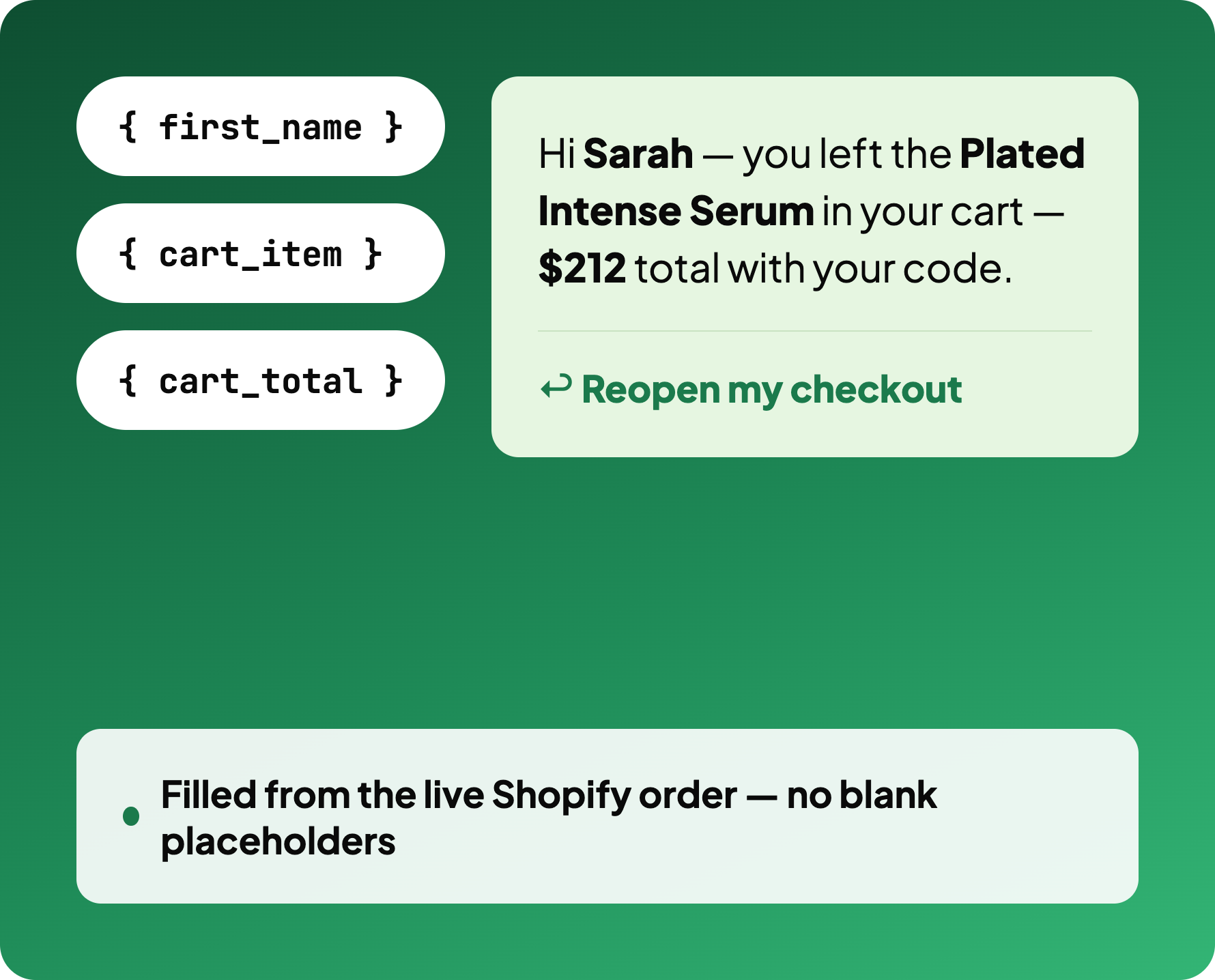
Live Shopify fields fill it in
Name, cart total, tracking link — pulled from the order at send time, never a blank placeholder.
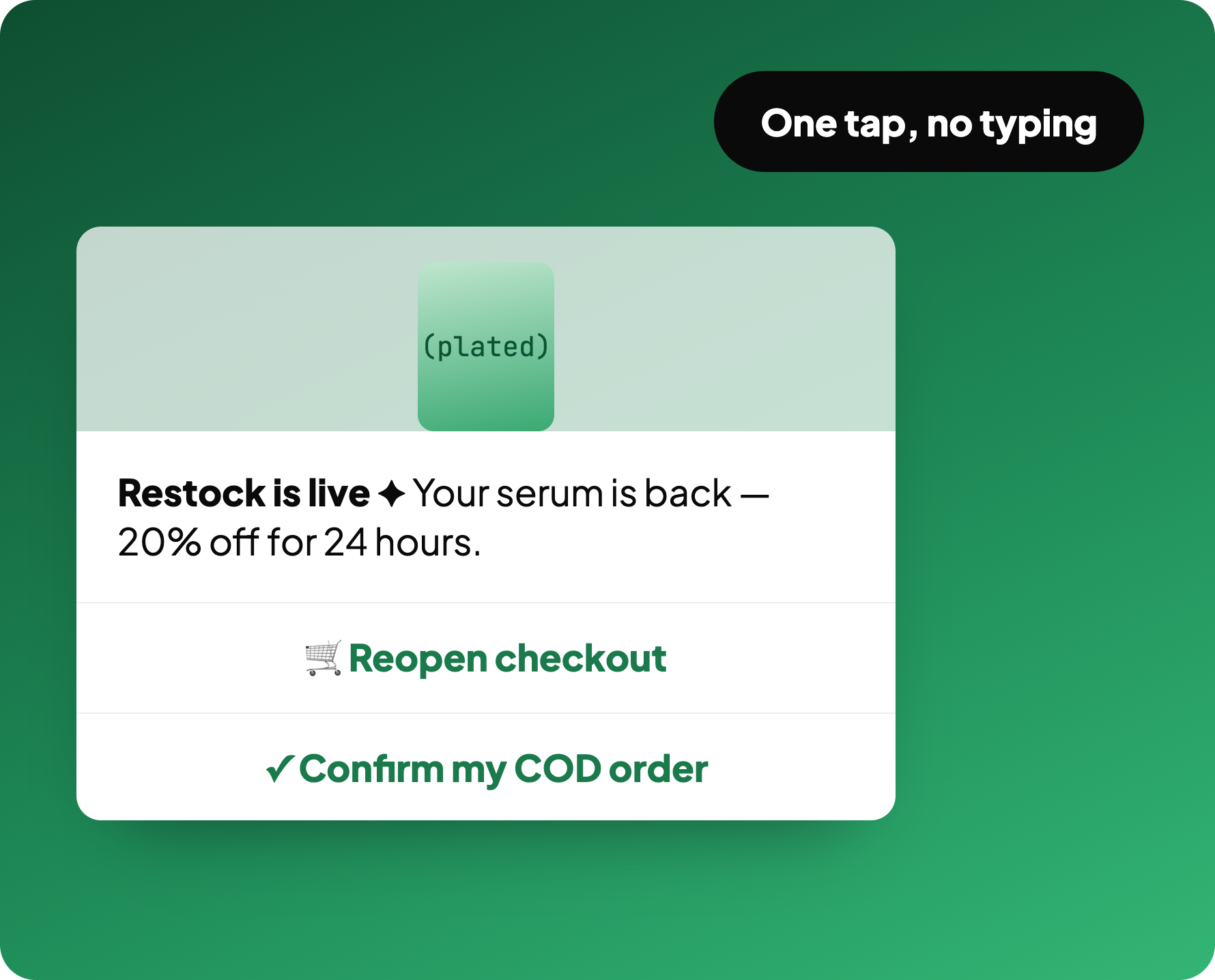
Customer taps, doesn't type
Quick-reply and link buttons confirm a COD order or reopen checkout in one tap.
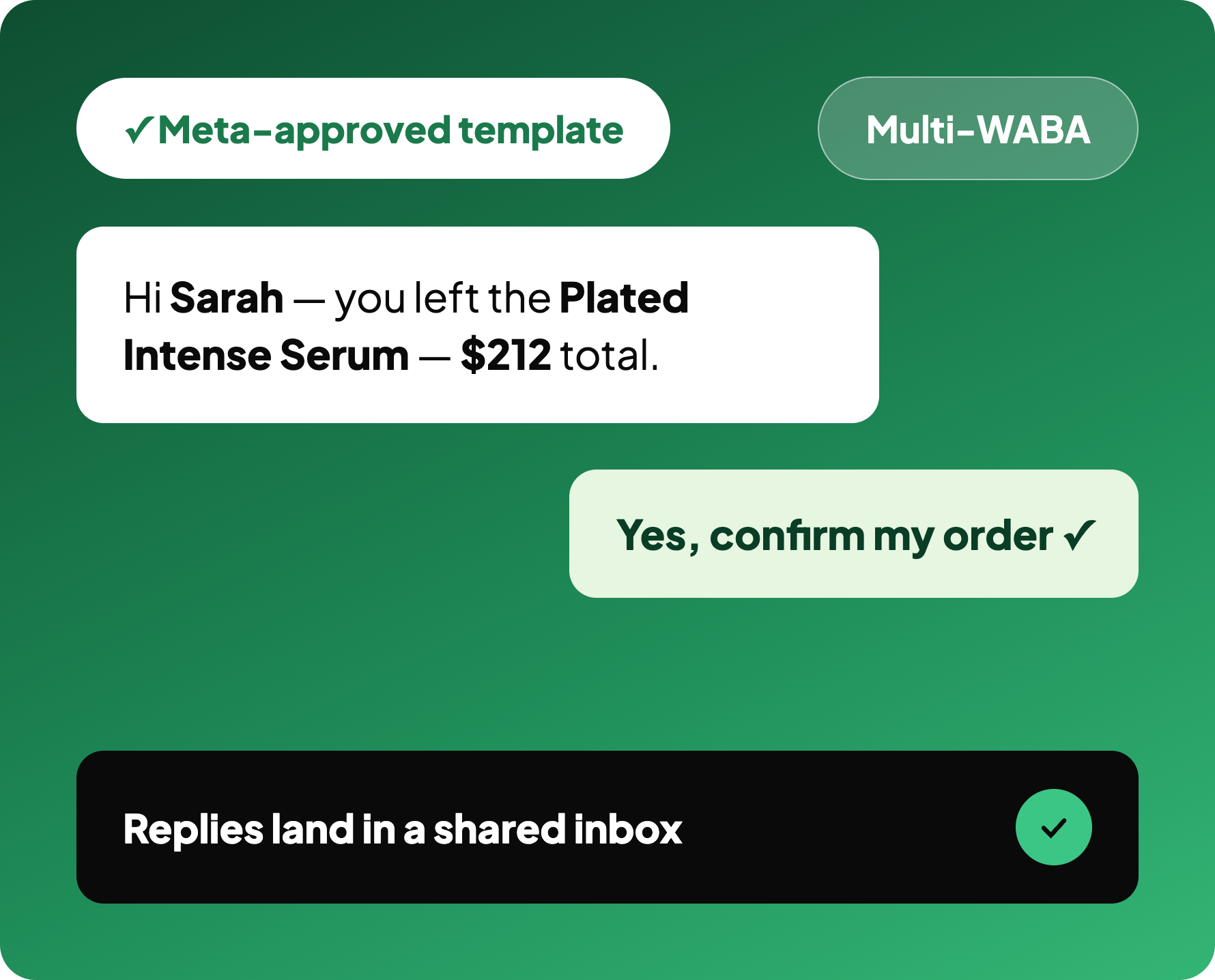
Replies land in a shared inbox
Your team works the conversation together, across as many WhatsApp Business accounts as you run.
WhatsApp templates, already approved
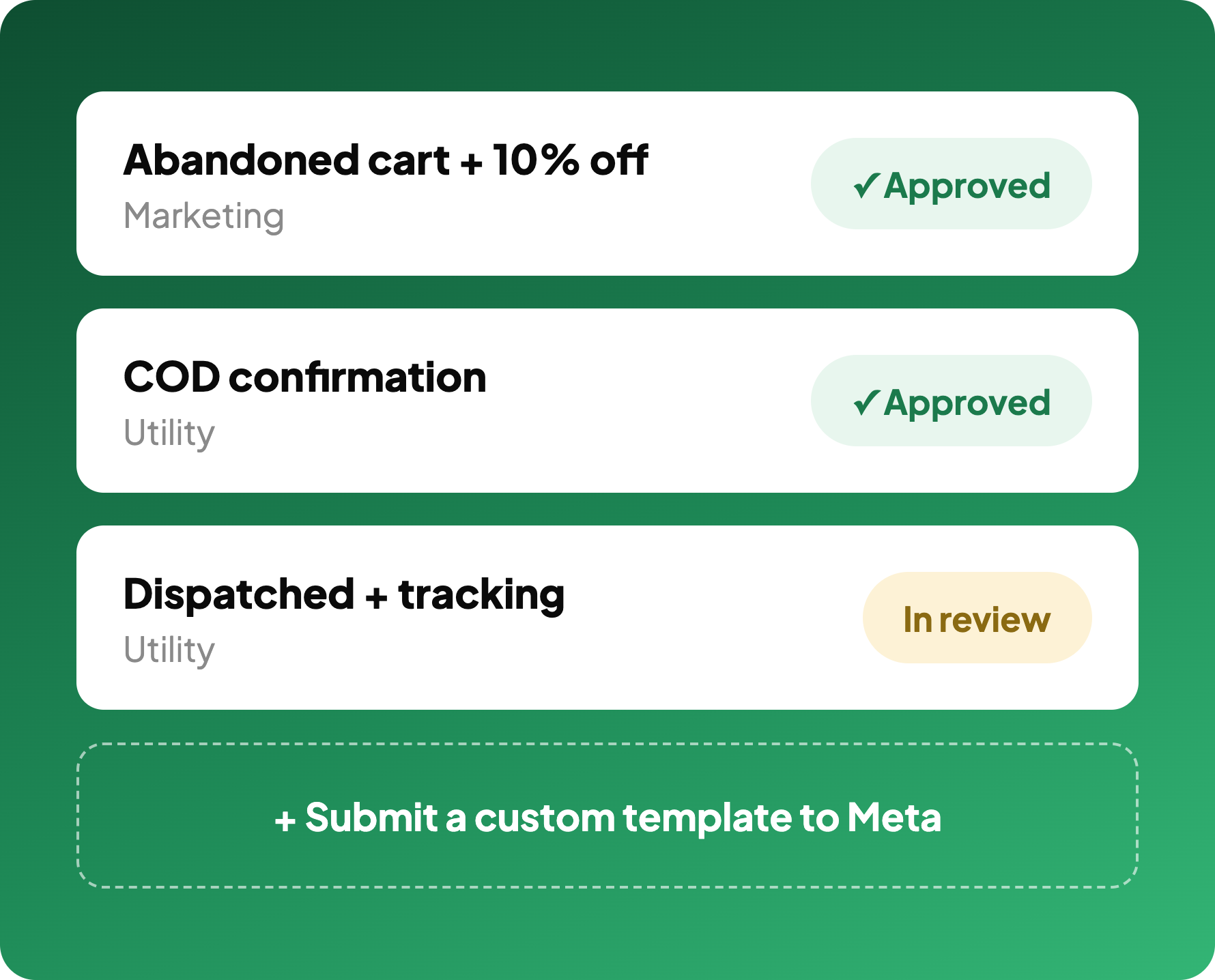
A library of Meta-approved marketing and utility templates ships with the app: abandoned cart reminder with a discount, COD confirmation, order dispatched with tracking. You pick one and send instead of writing a template and waiting on review.
When you do need something custom, draft it, submit it to Meta and track approval status from the dashboard.
WhatsApp automation tied to live Shopify orders
Templates map to real Shopify fields, so a message carries the customer name, the item they left, the cart total and a working tracking link. Nothing is typed by hand and nothing goes out with a blank placeholder.
Powers the WhatsApp step of cart recovery and dispatch updates for order tracking.
WhatsApp broadcast with buttons that act
Broadcast to a segment with quick-reply buttons, link buttons and an image header for the product. A customer confirms a COD order or reopens their checkout in one tap, without typing anything.
Fewer replies to read, more actions completed.
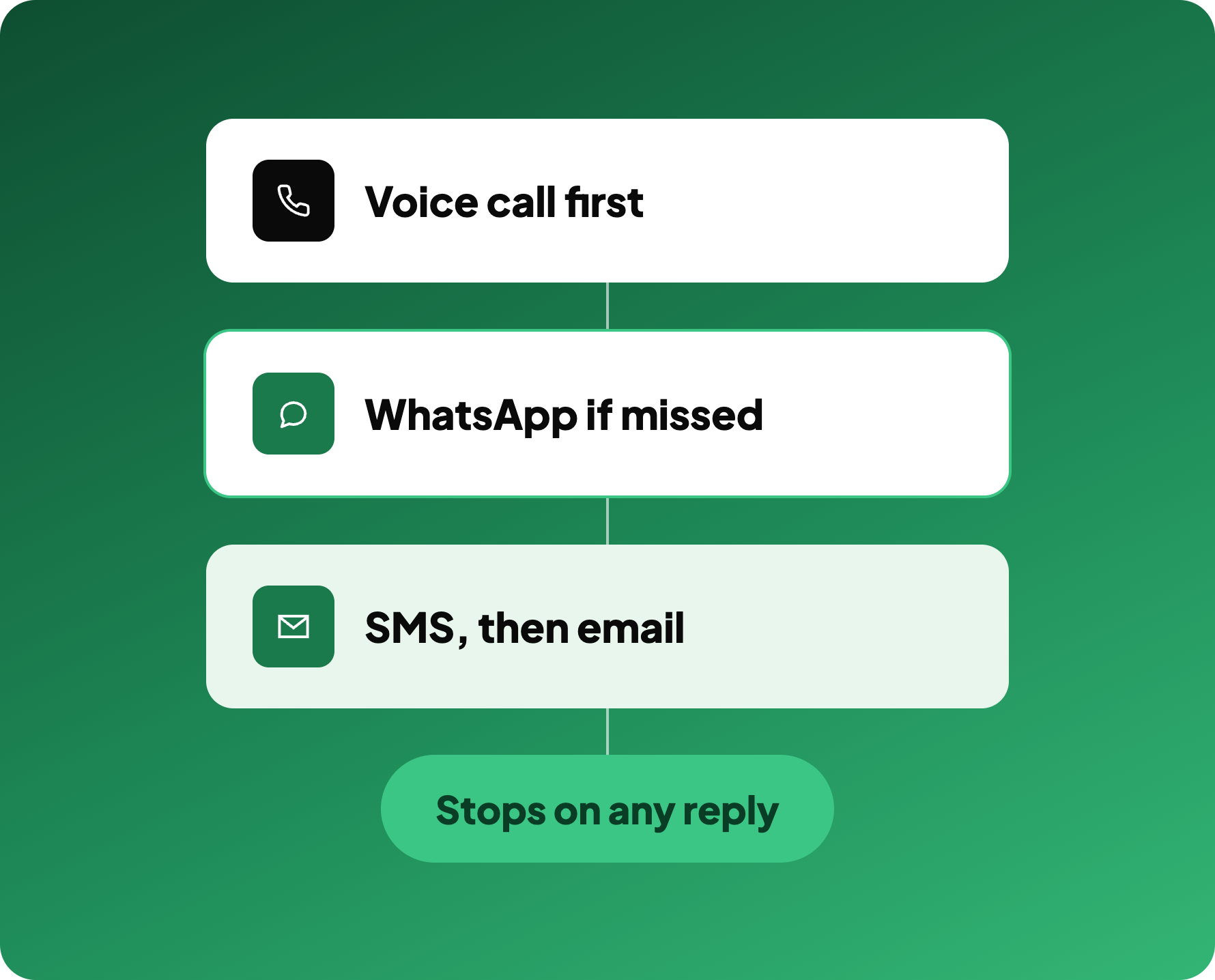
One marketing automation workflow, four channels
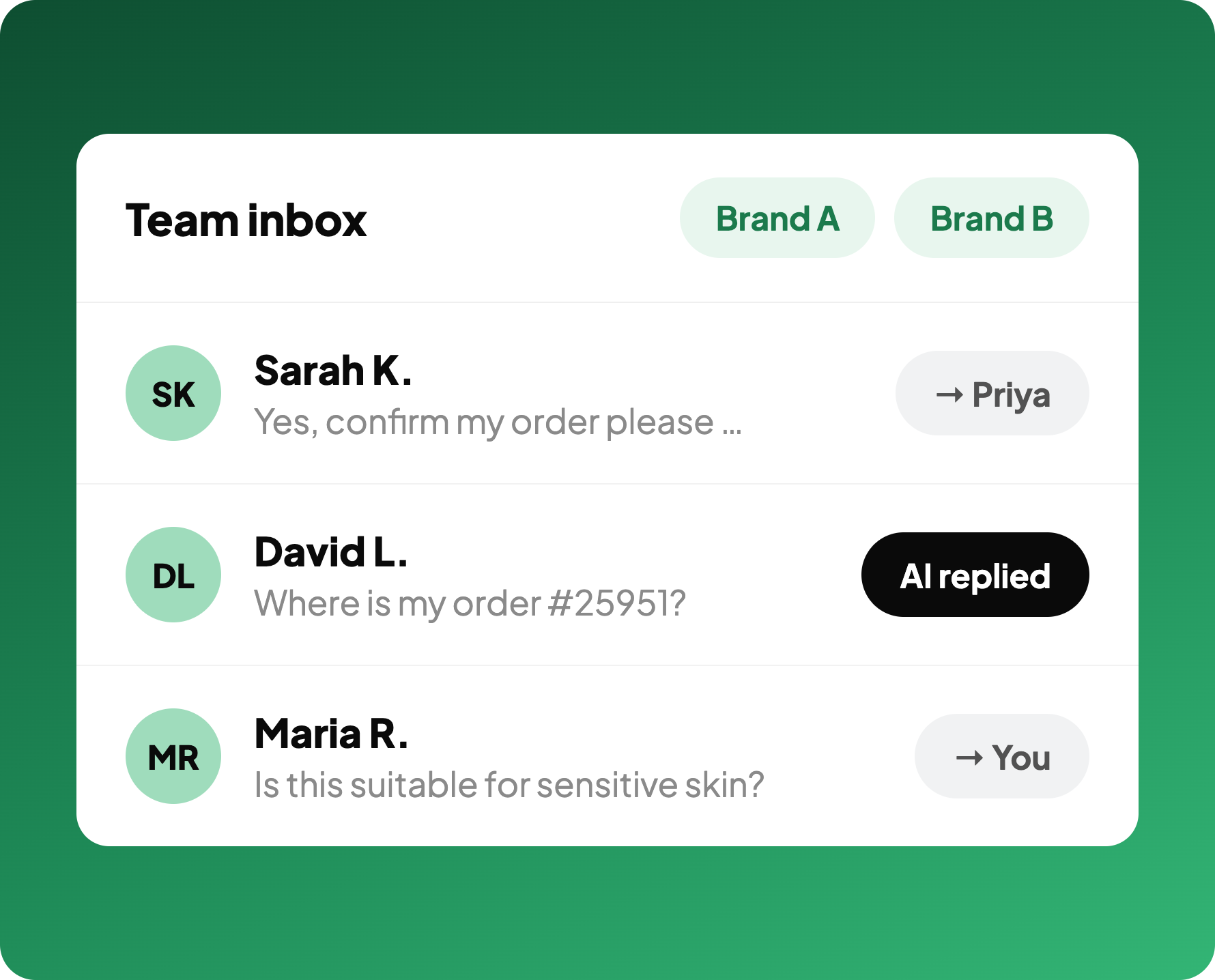
A shared inbox for every reply
When customers reply, the conversation lands in a shared inbox your team works together, with more than one WhatsApp Business account supported if you run several brands or regions.
Broadcast is one direction. This is what makes it a conversation.
"COD verification used to take hours every morning. RTOs are down drastically."
Sarah K.
Founder, Urban Wear
↓ RTO
same-day COD confirmations
Hrs → Min
verification time
1-tap
customer confirms the order
Most replies come back fast
Read-rate by time since send, across live Kovax WhatsApp sends.
92%
read within 30 minutes
1-tap
order confirms, no typing
Multi-WABA
accounts supported
Works with your stack
WhatsApp Marketing FAQ
What is WhatsApp marketing?
How do you use WhatsApp for marketing on Shopify?
Do I need the WhatsApp Business API?
How does omnichannel customer service work?
Can customers reply to the messages?
Start messaging customers on WhatsApp
Send broadcasts, recover carts, and push order updates with Meta-approved templates.
Book a call