TL;DR
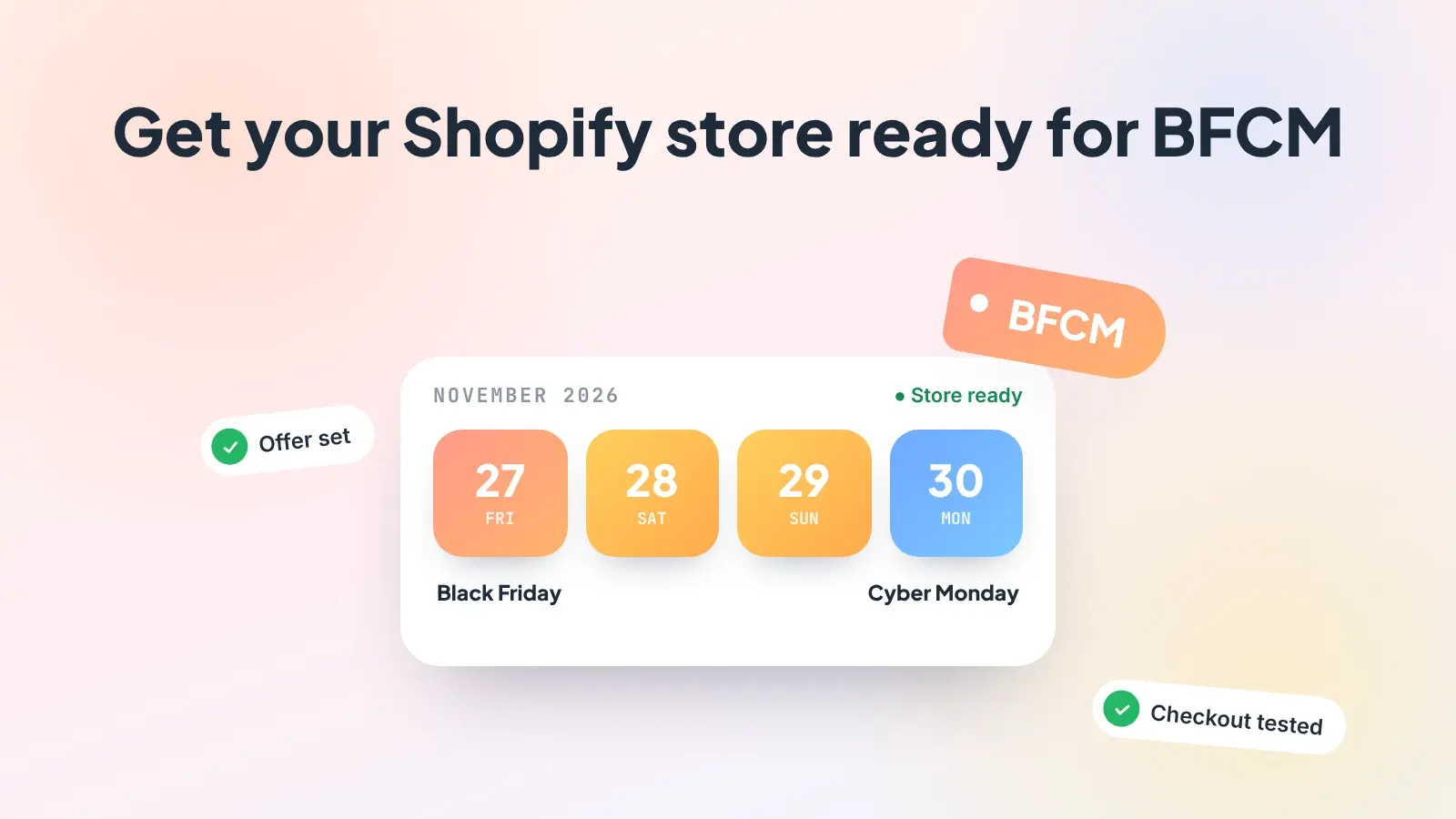
- BFCM means Black Friday Cyber Monday, the sales weekend after US Thanksgiving. In 2026 it runs from Friday, November 27 to Monday, November 30.
- To prepare your Shopify store: pick one offer, set up your discounts, build one landing page, speed up checkout, and check stock and shipping dates.
- Then message your best customers first, win back shoppers who leave their cart, and write your support answers ahead of time.
- Test your checkout on your phone before the sale starts.
Introduction
Is your Shopify store ready for BFCM? Shoppers will come with a list and money to spend. The stores that win are the ones that got ready early. Yours can be one of them.
This guide gives you 9 steps. Steps 1 to 5 get your store ready. Steps 6 to 9 help you win more sales.
For Steps 6 to 8, you can use Kovax. It is a Shopify app that sends SMS, WhatsApp and email, and it can call your customers for you. You install it from the Shopify App Store.
What Is BFCM? The Sales Weekend From Black Friday to Cyber Monday
BFCM stands for Black Friday Cyber Monday. It is the sales weekend that starts on Black Friday and ends on Cyber Monday.
Black Friday is the day after US Thanksgiving. Cyber Monday is the Monday after that.
Shopify says many retailers now also run promotions across Cyber Week and early November. So plan for a longer window, not one day.
Why BFCM Matters: Shoppers Are Ready to Buy
BFCM is the biggest sales weekend of the year for online stores. In 2025, Shopify stores made $14.6 billion over the weekend. That is 27% more than in 2024.
Here is why it matters for you:
- Shoppers come ready to buy. Shopify's guide, citing PwC, says almost 80% of holiday gift money is spent by the end of Cyber Monday.
- Many shop on their phones. A slow BFCM store loses them fast.
Step 1: Pick One BFCM Offer and Check You Still Make Money
A good BFCM strategy starts with one clear offer. Many stores put everything on sale. Then shoppers do not know where to start.
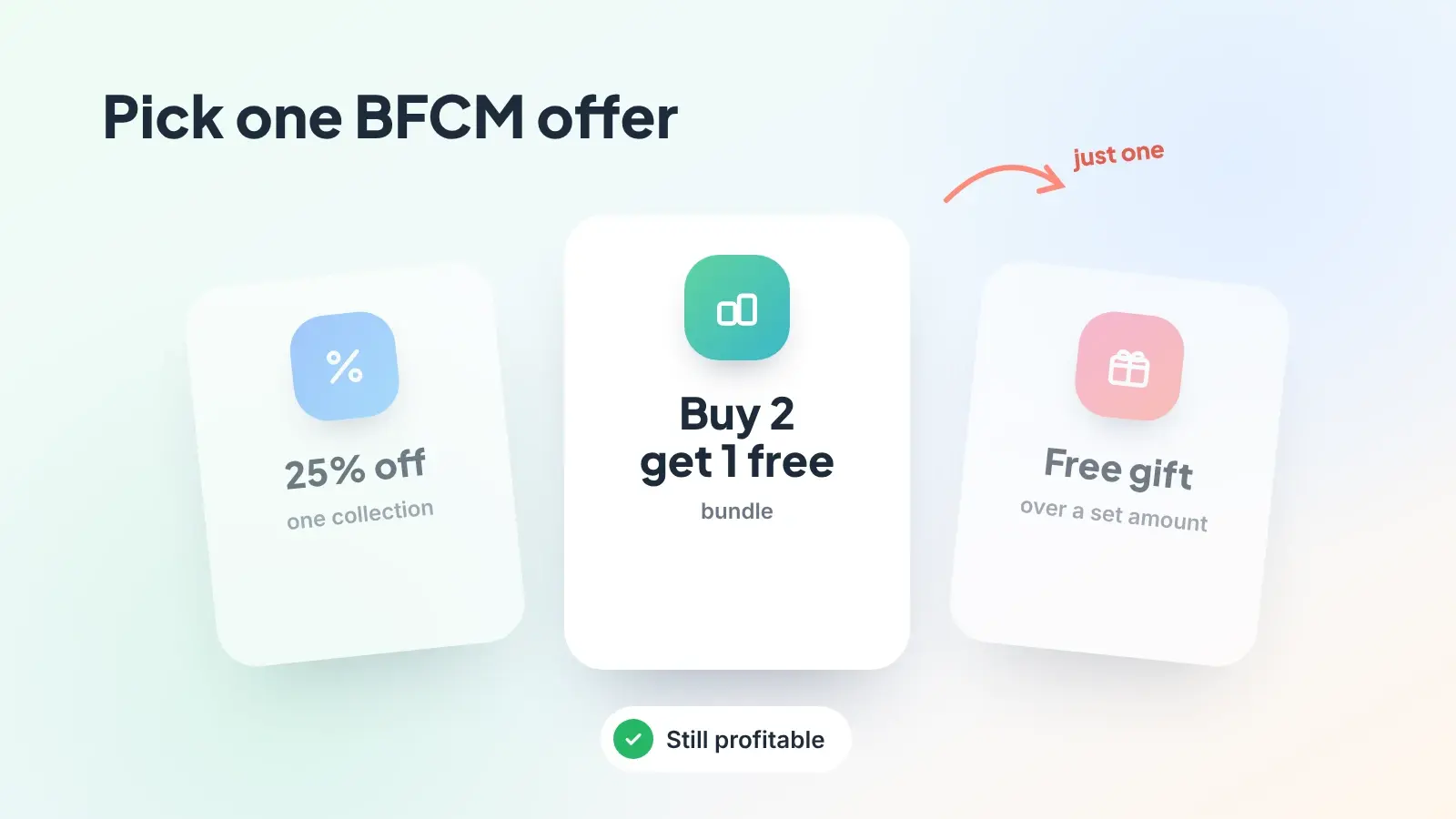
Pick one of these:
- A percent off on one group of products, like 25% off all winter coats.
- A bundle, like buy two, get one free.
- A free gift when the cart reaches a set amount.
- Free shipping with no minimum, just for the weekend.
Before you choose, do the math. Add up what each product costs you and what you pay to ship it. Then check that you still earn money after the discount. A BFCM sale that loses money is not a win.
Then say your offer out loud in one short sentence. If you cannot, it is too hard.
Step 2: Set Up Shopify Discounts With Start and End Dates
Now put your offer into Shopify. Go to Discounts in your admin. Use a code, an automatic discount, or both.
Discount Codes vs Automatic Discounts: Which to Use
| Method | Best for | Watch out for |
|---|---|---|
| Discount code | Email campaigns, early access, partners | Forgotten codes can lead to cart abandonment |
| Automatic discount | Store-wide sales, collections, bulk buys | Shoppers may not notice the discount |
Read how each method works in Shopify's help pages.
Set Up Each Discount in Five Quick Steps
- Give each discount a clear name, so you can find it fast.
- Set a start and end date. Your BFCM deals should stop when you say they stop.
- Choose whether the discount can combine with others. Most stores say no.
- Set a maximum number of uses if you have small stock on a product.
- Make a second code for your best customers, so you can give them early access.
Then test every discount on your phone and on a computer. A broken code during BFCM means lost sales.
Step 3: Build One Sale Page With a Countdown Timer
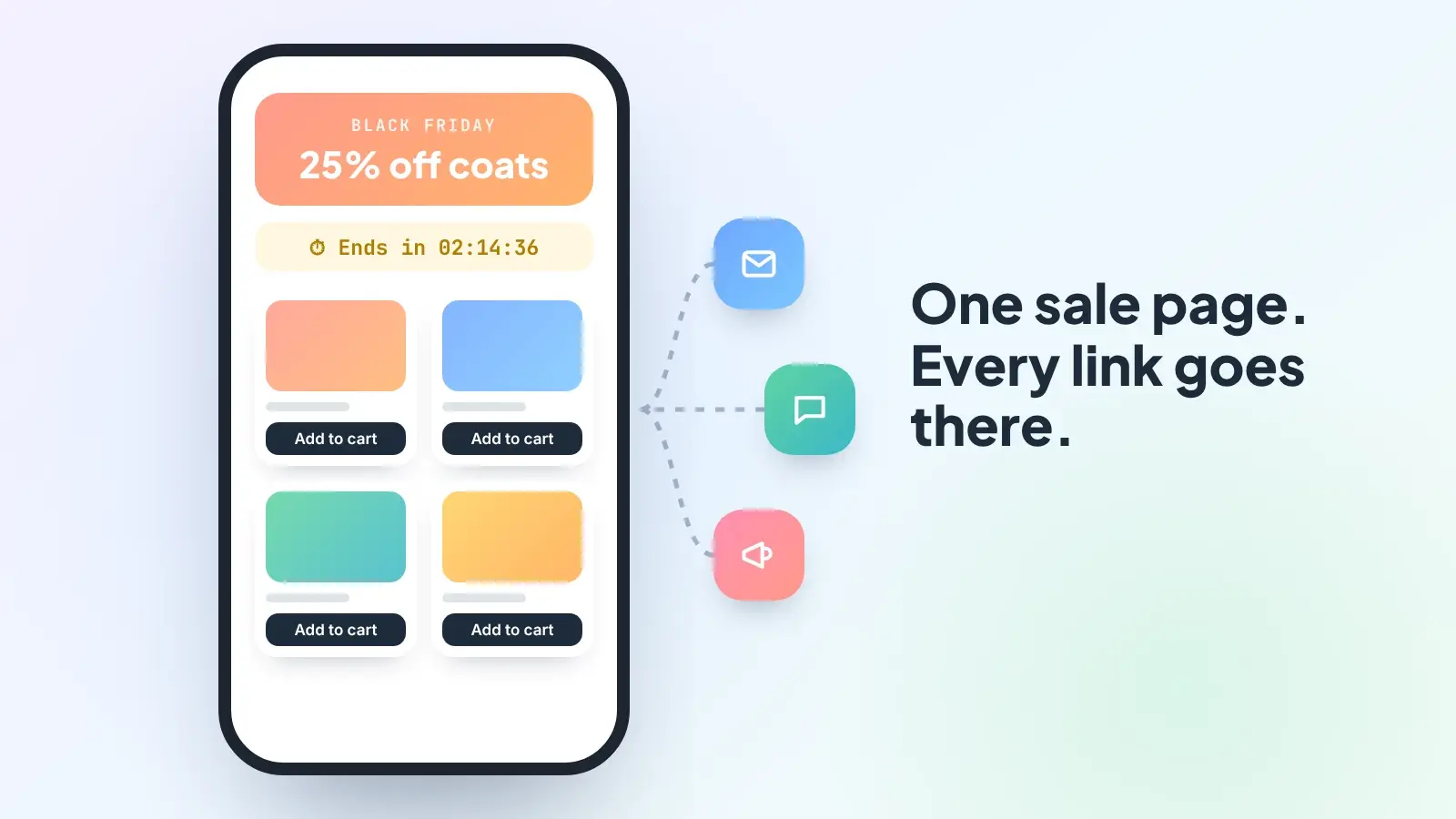
Do not send shoppers to your home page and hope they find the deal. Build one landing page just for BFCM. Every email, text and ad should point to it.
Keep the page simple:
- A big headline that says what the offer is.
- A short line with the end time.
- Your best deals first, with big photos.
- A button on every product that goes straight to the cart.
Say when the sale starts and ends, and what is not included.
Add a countdown timer at the top of your store too. It is a small clock that shows how long the deal has left. You can add one with a theme setting or a small app.
Tip: build the page now and keep it hidden until the sale starts.
Step 4: Speed Up Your Store and Make Checkout Easy on Phones
During BFCM, many people shop on their phones. If your store is slow, they leave.
Open the web performance reports in your Shopify admin, under Online Store and Themes. They score your store on loading speed, interactivity and visual stability. Google's goal is for your main content to show in 2.5 seconds or less, for taps to react in 0.2 seconds or less, and for the page to hold still, as Shopify explains.
Then fix the easy things:
- Make images smaller. Big photos are the top reason pages load slowly.
- Remove apps you do not use. Each app can slow your pages down.
- Cut pop-ups. Too many are hard to close on a small screen.
Next, simplify checkout. Turn on Shop Pay, Apple Pay and Google Pay, so shoppers can pay without typing all their details.
Finally, go from your home page to the end of checkout on your own phone. Fix anything hard to tap.
Step 5: Check Your Stock and Share Shipping Cutoff Dates
Nothing hurts more than selling something you do not have. Good Shopify inventory management starts before BFCM.
Find last year's top five sellers and make sure you have enough of each. Then set Shopify to stop selling when stock reaches zero.
Next, work out your shipping cutoff dates before Christmas, and tell shoppers clearly:
- Put the cutoff date on your BFCM landing page.
- Add it to your cart page and your emails.
- Repeat it in your order confirmation.
Ask your shipping company how busy it will be. If it may be slow, add a few days to the dates you promise. Mark sold-out products clearly, so shoppers do not add them to their cart.
Step 6: Send Early Access Offers to Your Best Customers
Your best shoppers are the people who have already bought from you. They know your brand, so they are the easiest to sell to.
Give them early access. A day or two before the sale, send them a short message with a private link and your second discount code. Here is an SMS example: "Early access: 25% off, just for you. Shop before everyone else: [link]"
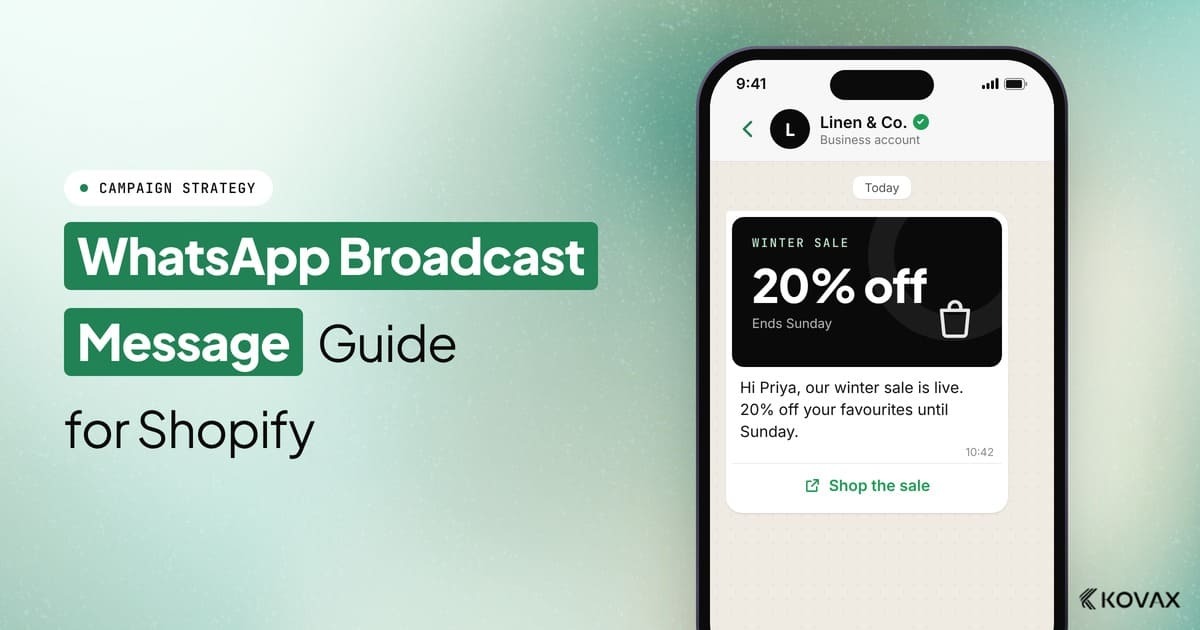
Use more than one channel. People read email, texts and WhatsApp at different times. Send your message by WhatsApp broadcast, SMS and email together, so more people see it.
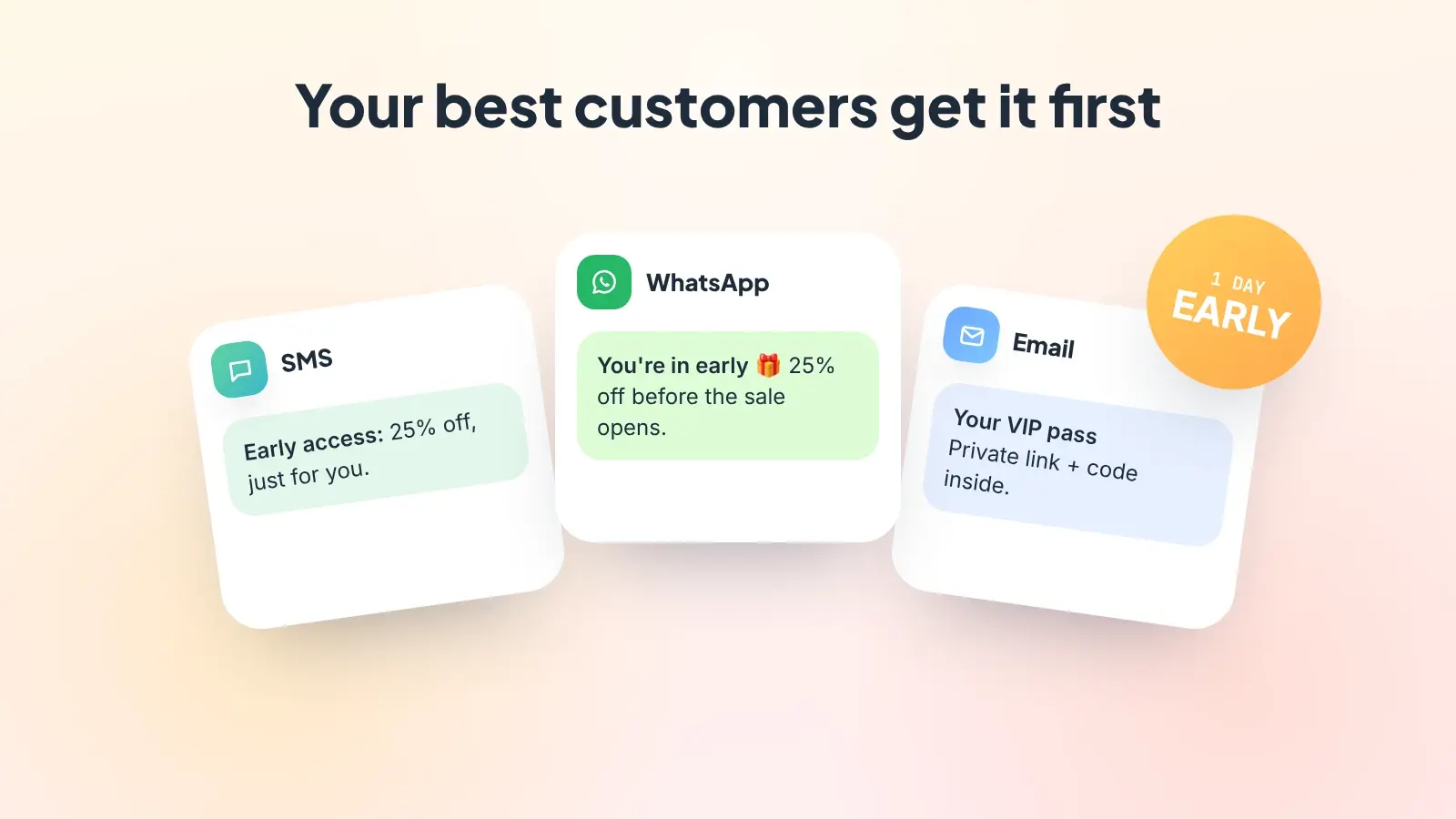
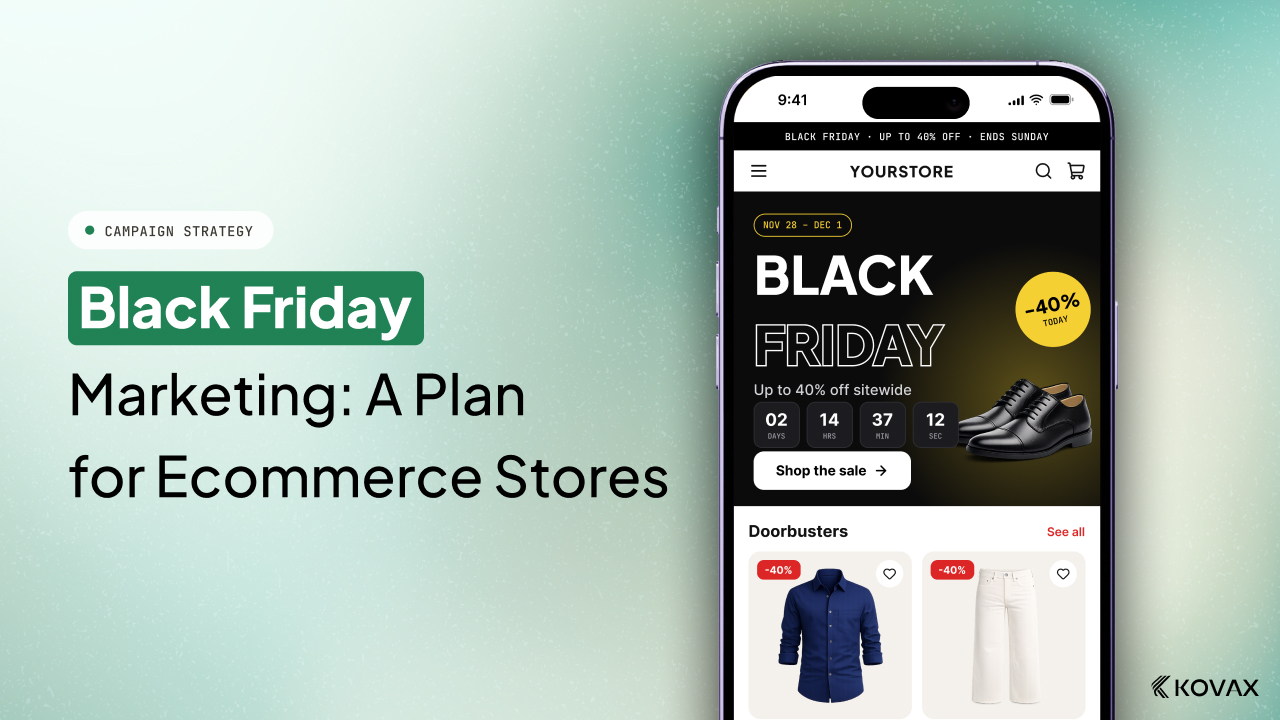
With Kovax, you send all three from one place. For more campaign ideas, read this Black Friday marketing plan.
Only message people who agreed to hear from you.
Step 7: Win Back Shoppers Who Leave Their Cart
During BFCM, many people add items to their cart and then leave. These shoppers already picked your products. They just need a small nudge, and this is where abandoned cart recovery pays off.
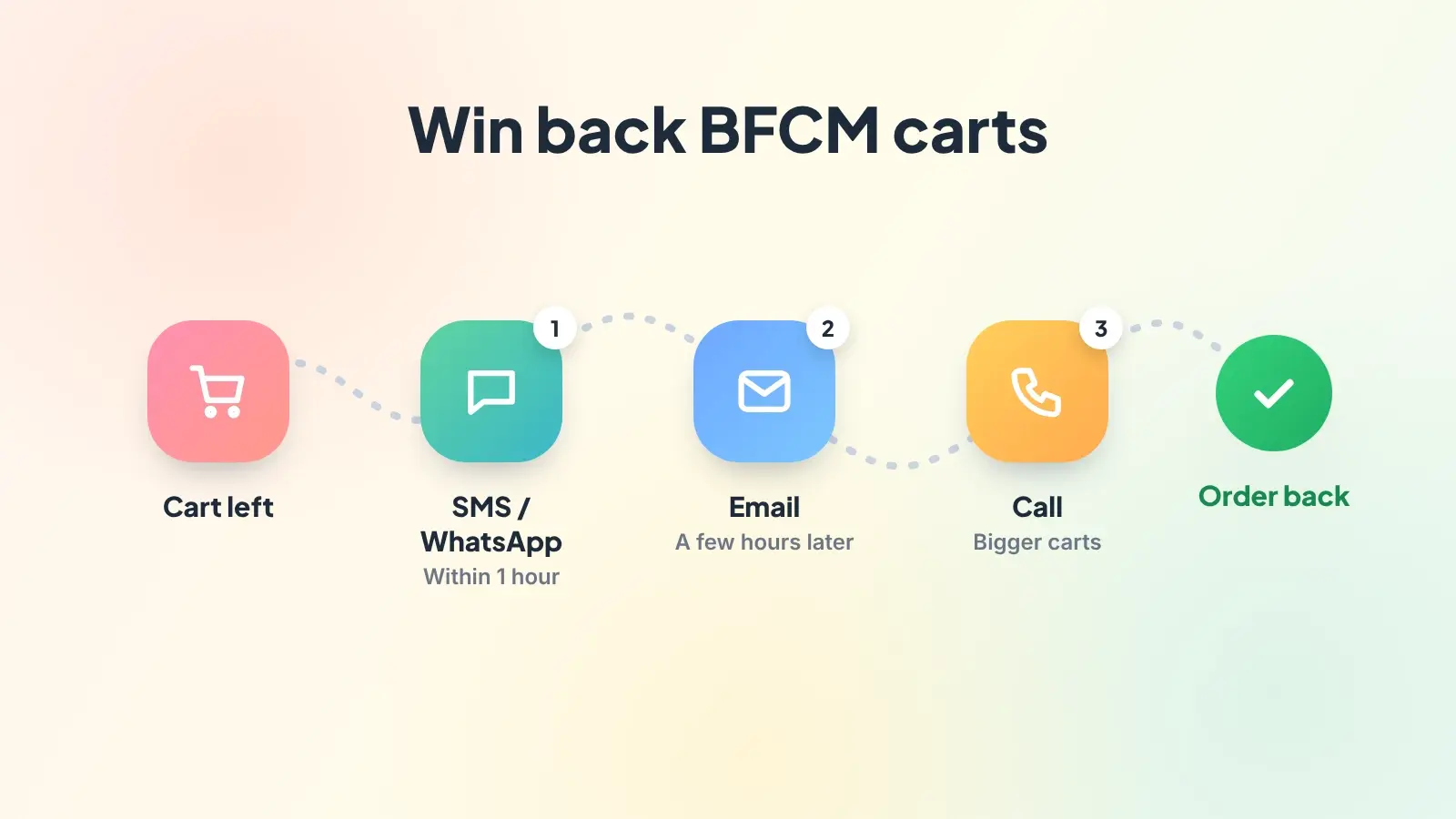
Send a Quick Reminder Within an Hour
Send an SMS or WhatsApp message within an hour. Keep it short, friendly and personal.
Follow Up by Email a Few Hours Later
Send an email a few hours later. Mention when the deal ends, so shoppers feel the push.
Call the Bigger Carts to Answer Questions
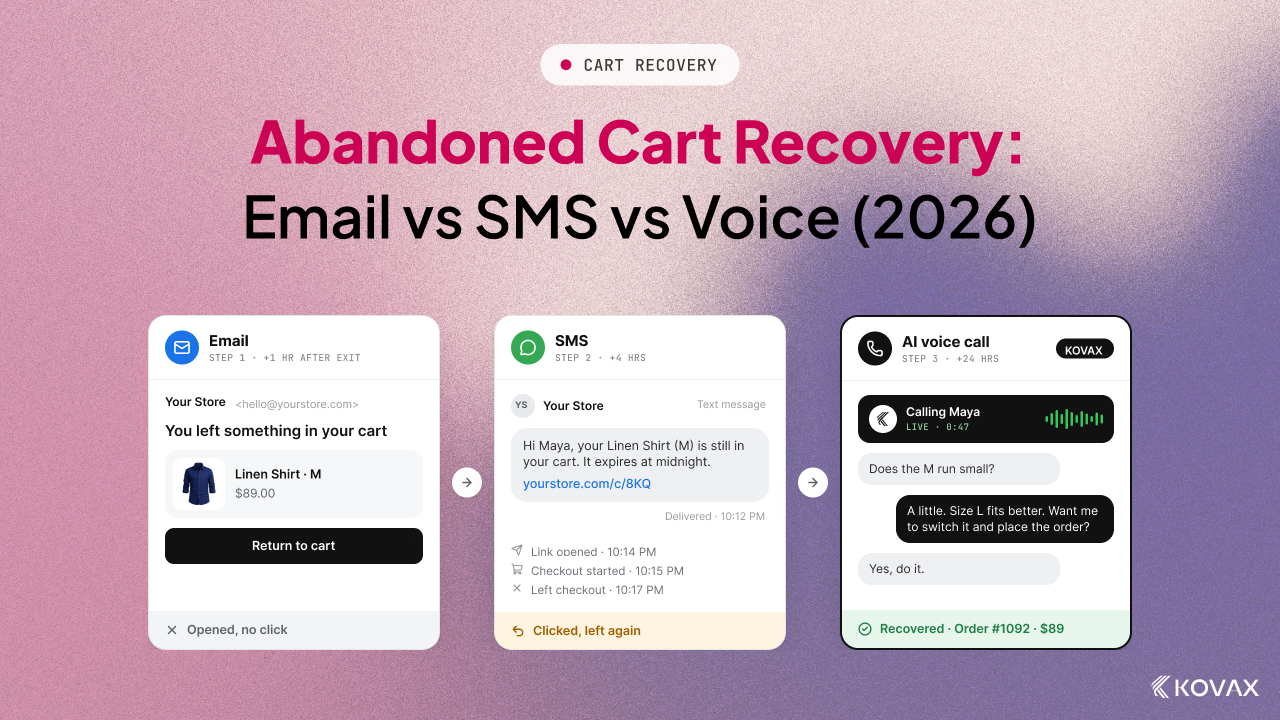
A short call can answer a question and close the sale. Kovax's AI outbound calling does it for you. It only calls people who already started checkout in your store.
Many shoppers just need one answer before they buy.
Want to compare channels first? Read about email vs SMS vs voice recovery.
Step 8: Write Answers to the Top Four Support Questions
On sale days, your inbox and phone fill up with the same four questions:
- Did my order go through?
- Where is my order?
- Can I change my address?
- Did my discount code work?
Slow answers make shoppers worry, and some cancel. So get your Shopify customer support ready:
- Write your answers now. List the top questions with the answers beside them.
- Add a BFCM section to your FAQ page. Include your shipping cutoff dates and return rules.
- Send order confirmations right away. They answer many questions.
- Share your reply hours on your contact page.
The "where is my order" question costs stores more than they expect. Read what WISMO really costs and how to cut it.
Kovax's customer support tools can take the first wave, using the answers you set up. Learn more on the AI voice agents page.
Step 9: Test Your Store, Then Follow a Day Plan
Test Like a Shopper: Six Quick Checks
- Click your landing page from an email link and a text link.
- Add a product to the cart and apply your discount code.
- Check out on your phone with Shop Pay or a card.
- Use test mode or a small real order, then refund it.
- Read the confirmation email and text.
- Check that your abandoned checkout messages go out.
If something breaks, fix it now. It is far easier today than at midnight.
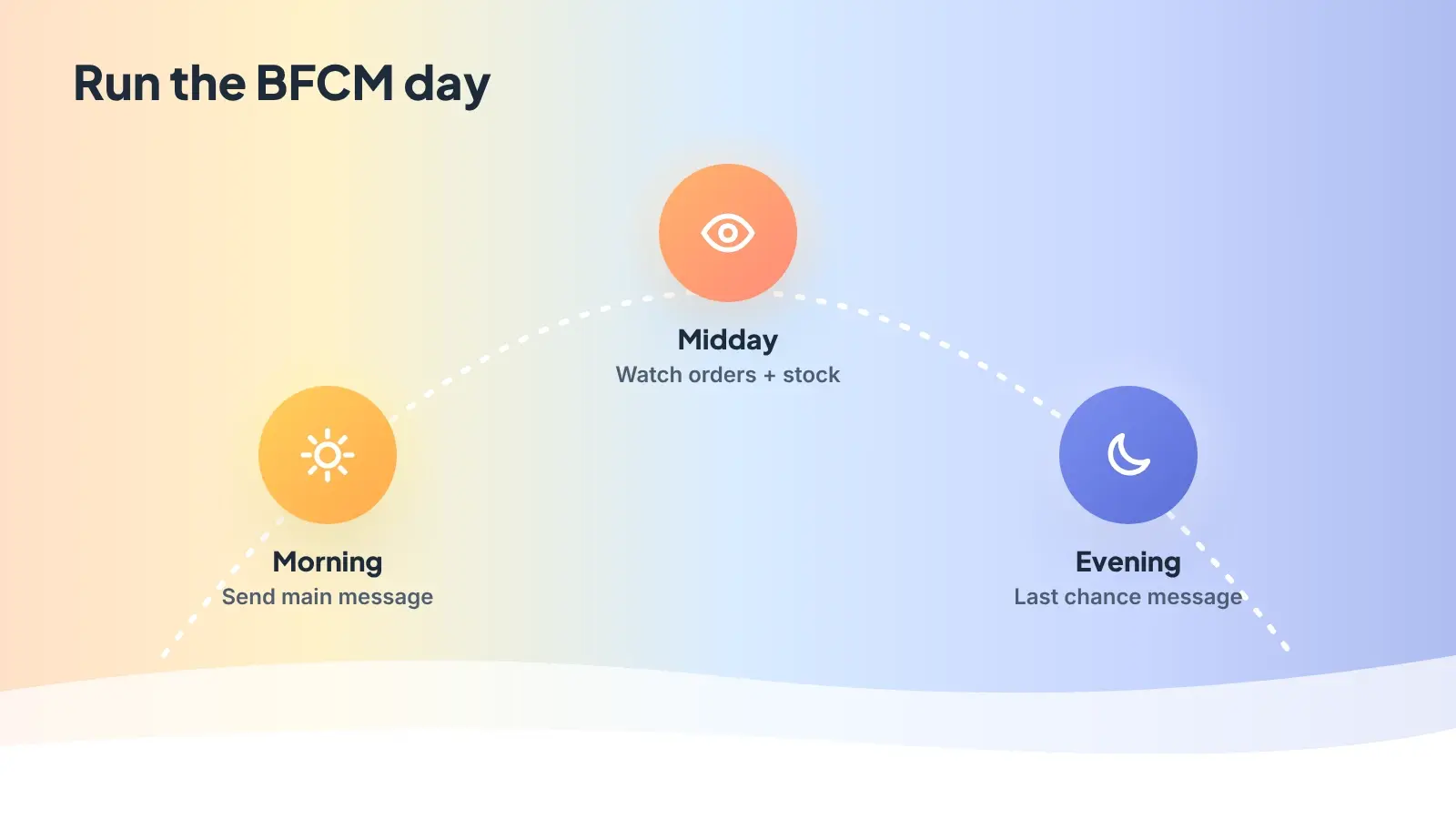
Run the Day: Morning to Evening Plan
Before the sale starts, decide who watches orders and who answers questions. Write the names down, so nothing falls through the cracks.
- Morning: Send your main message to everyone on your list.
- Midday: Watch orders and stock, and fix problems fast.
- Evening: Send a last chance message with the end time and one button to tap.
How to Sell More on Cyber Monday: Three Quick Wins
Cyber Monday 2026 is Monday, November 30. You can still set up these moves this week:
- Lead with one deal. Put it in your top bar, on your landing page and in every message.
- Show the end time. A countdown timer helps shoppers decide today.
- Make each cart bigger. Offer a bundle, a free gift, or free shipping above a set amount.
The rest is about talking to your shoppers fast. That is where Kovax helps. For more tactics, read Shopify's Cyber Monday guide.
How to Use Kovax for Steps 3 to 9: Share, Send, Recover, Answer and Check
Steps 1 to 5 happen inside Shopify. Kovax helps with the steps where you talk to shoppers. Here is how to use Kovax from start to finish:
- Install it. Add Kovax from the Shopify App Store.
- Send early access (Step 6). Write one message with your private link and code. Send it by SMS, WhatsApp and email, and schedule it a day or two before the sale.
- Share your dates (Steps 3 and 5). Put your landing page link and shipping cutoff date in every message.
- Win back carts (Step 7). Turn on abandoned cart recovery. Set a quick reminder, then an email, then a call for bigger carts.
- Answer questions (Step 8). Add your answers on shipping, returns and discount codes. Kovax replies by call, SMS, WhatsApp and email, so your team only handles hard cases.
- Check it (Step 9). Make sure your abandoned checkout messages go out before the sale starts.
- Follow up. After the sale, send thank-you messages and order updates.
Your BFCM Checklist: Nine Things to Finish Before the Sale
Save this Black Friday checklist, and compare it with Shopify's BFCM checklist:
- One clear offer, with the math checked.
- Discounts set up, with start and end dates.
- One landing page and a countdown timer.
- A fast store and a simple checkout.
- Stock checked and shipping dates shared.
- Early access messages ready.
- Cart and checkout recovery turned on.
- Support answers written.
- Everything tested on your phone.
After BFCM: Thank Your Buyers and Win Back the Rest
The BFCM sale ends, but your work does not. Send a thank-you message within a day and share when each order will arrive. A week later, ask how they like it.
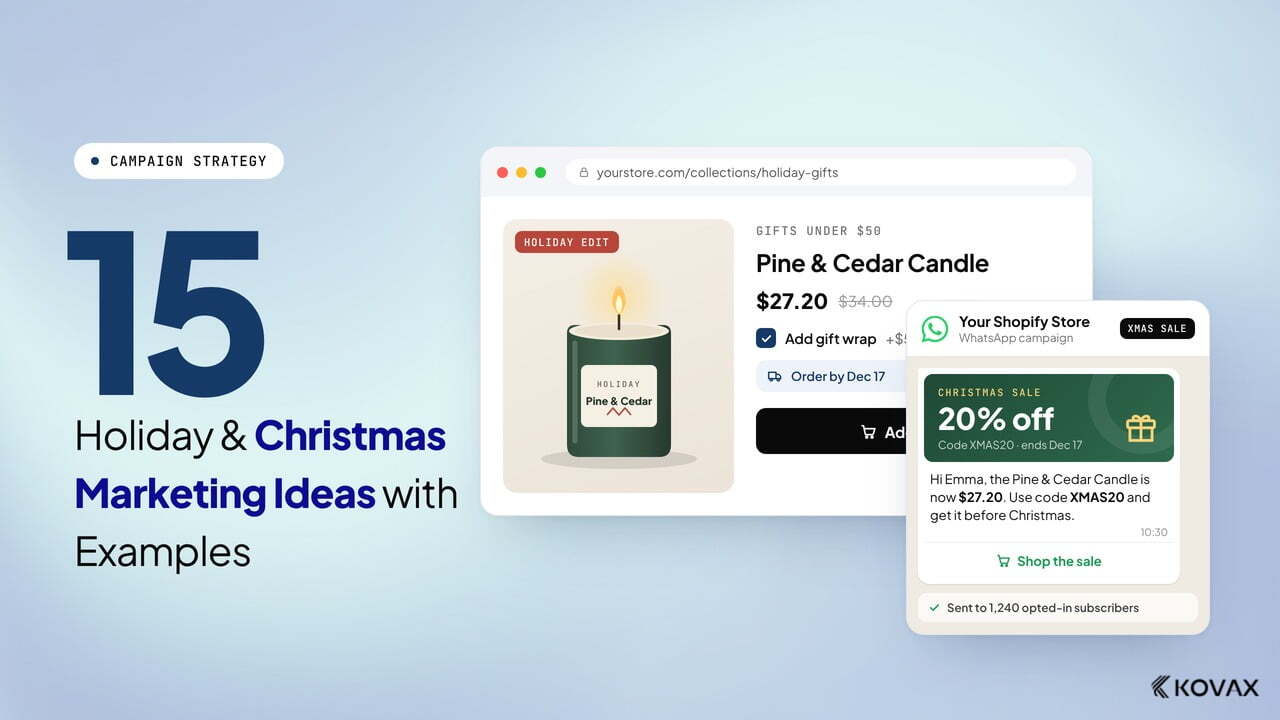
Send the people who did not buy one more message, with a small deal or a note about new arrivals. Christmas is close, and these Christmas marketing ideas can help.
Conclusion
BFCM does not need to be stressful. Set up one offer, one page, a fast store and enough stock. Then use messages and calls to bring shoppers in, win back the ones who leave, and answer questions fast. Test it all and follow a simple plan.
If you want help with the message and call steps, Kovax can do them for you. Set it up before BFCM starts.