TL;DR
- Plan your holiday and Christmas marketing around customer needs, margins, and shipping cutoffs.
- Prepare your Shopify store for more visitors by improving mobile shopping, product discovery, checkout, and delivery information.
- Try a few of these 15 holiday marketing ideas, such as gift guides, bundles, early access, and last-minute digital gifts.
- Follow up with shoppers who need help deciding, using the channels they have opted in to receive.
Holiday and Christmas marketing gives ecommerce stores a short window to help shoppers find gifts, make confident buying decisions, and receive orders on time. The strongest campaigns connect the promotion to a useful shopping experience: a well-organized gift guide, clear delivery dates, an easy checkout, and timely follow-up.
This guide covers how to plan holiday marketing campaigns for a Shopify store, get your website ready for seasonal traffic, and adapt 15 practical campaign ideas for ecommerce. Use the examples as starting points. Choose the ones that suit your products, audience, and fulfillment capacity.
How to Plan a Holiday Marketing Campaign for Your Shopify Store
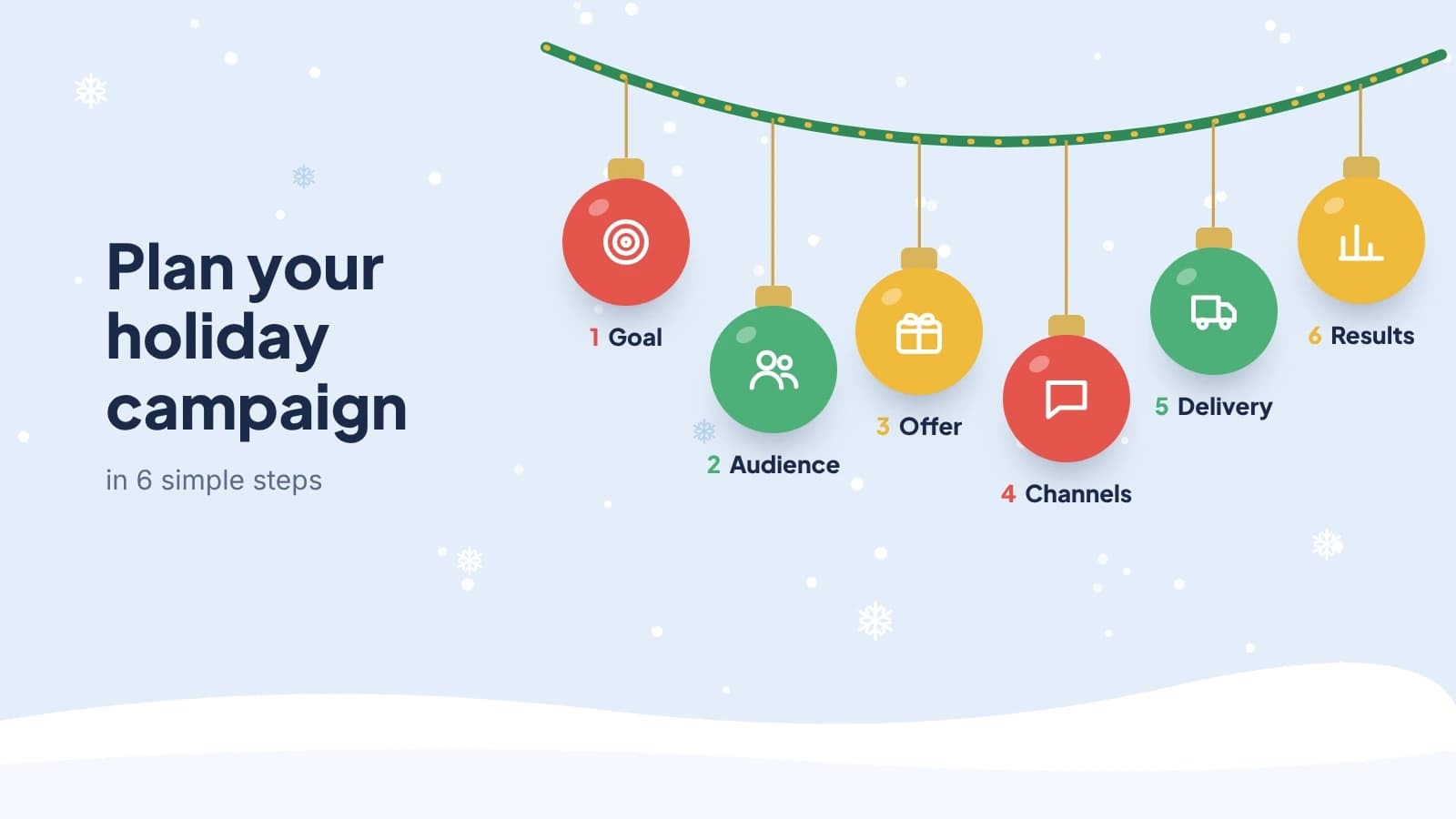
Start with a clear plan. Before creating ads or sending emails, decide what the campaign should accomplish and what customers need to act.
- Choose a goal and budget. Set a target, such as revenue, first-time customers, repeat purchases, or average order value. Account for product costs, shipping, discounts, and returns when setting your budget.
- Group customers by intent. Previous customers may appreciate new gift bundles. Subscribers may respond to early access. New visitors may need help comparing products. Abandoned-cart shoppers may have a question about shipping, price, or product fit.
- Choose an offer that makes sense for your margin. Consider bundles, gift wrapping, a free-shipping threshold, or a gift with purchase. A sitewide discount is only one option, and may not be right for every store.
- Give each channel a job. Use email for a detailed gift guide, social content for discovery, and SMS for short, time-sensitive updates. Send only to people who have opted in.
- Set delivery expectations. Build your calendar around your own fulfillment times and carrier recommendations. For example, the USPS 2026 holiday shipping dates list December 17 as the recommended send-by date for Ground Advantage in the contiguous United States. Dates vary by location and service, so check the carriers your store uses.
- Decide how you will measure results. Track campaign revenue, conversion rate, average order value, new subscribers, and recovered carts. Use tagged links so you can compare traffic and orders across campaigns.
A simple campaign calendar might include preparation in early November, gift-guide and early-access campaigns later in the month, product and offer reminders in early December, and last-minute digital gifts as shipping cutoffs approach. After the holidays, thank customers and follow up with gift card holders and new buyers.
Sample Holiday Messages You Can Adapt
Short messages work best close to a deadline. Send SMS and WhatsApp only to shoppers who opted in, and include an opt-out line.
- Email subject line (Early December): Our gift guide is live: 25 picks under $50
- Email subject line (Early access): Your first look at the holiday collection
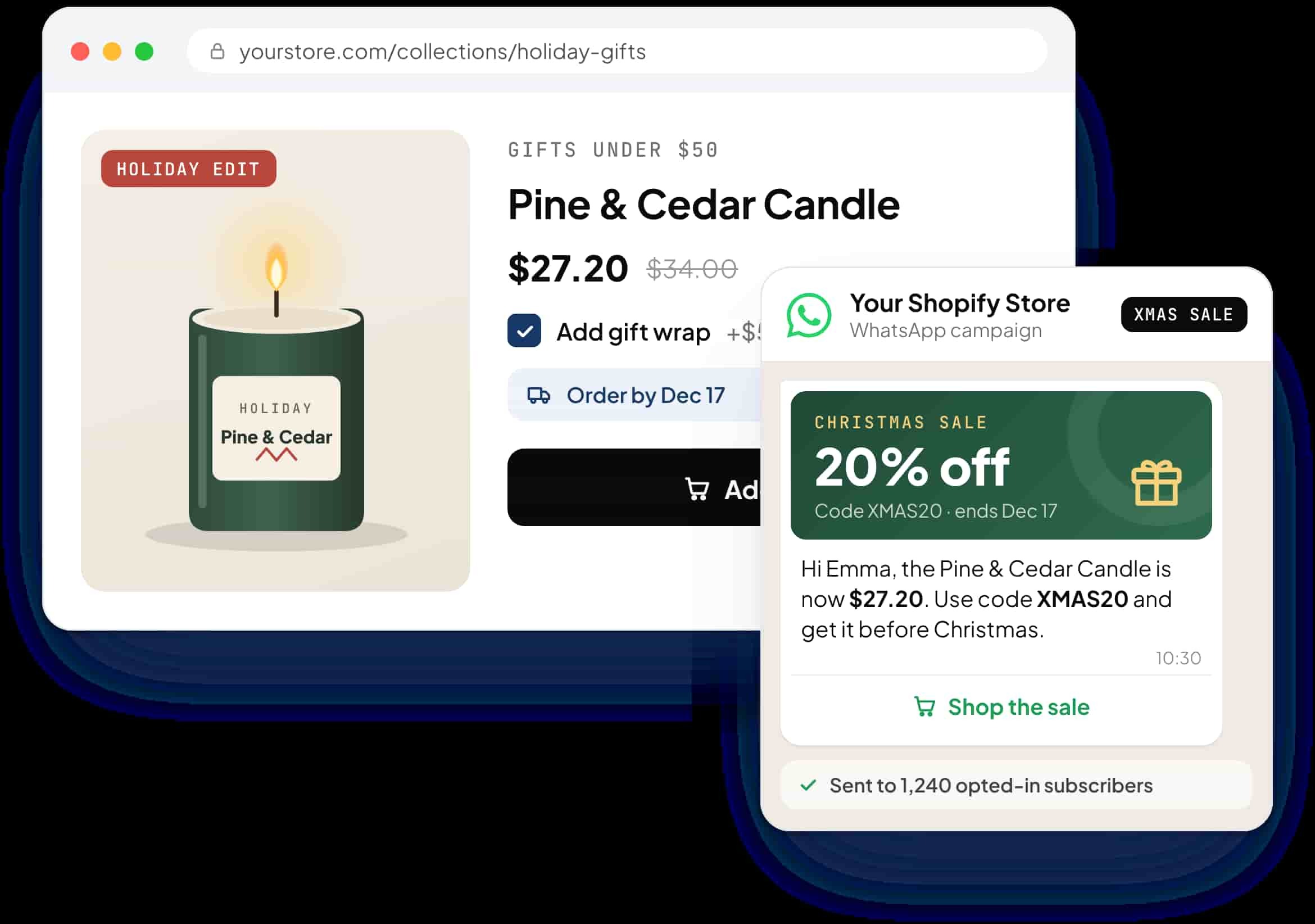
- SMS (Mid December): Last day for ground shipping is Dec 17. Order today and it arrives before Christmas. Shop: [link]. Reply STOP to opt out.
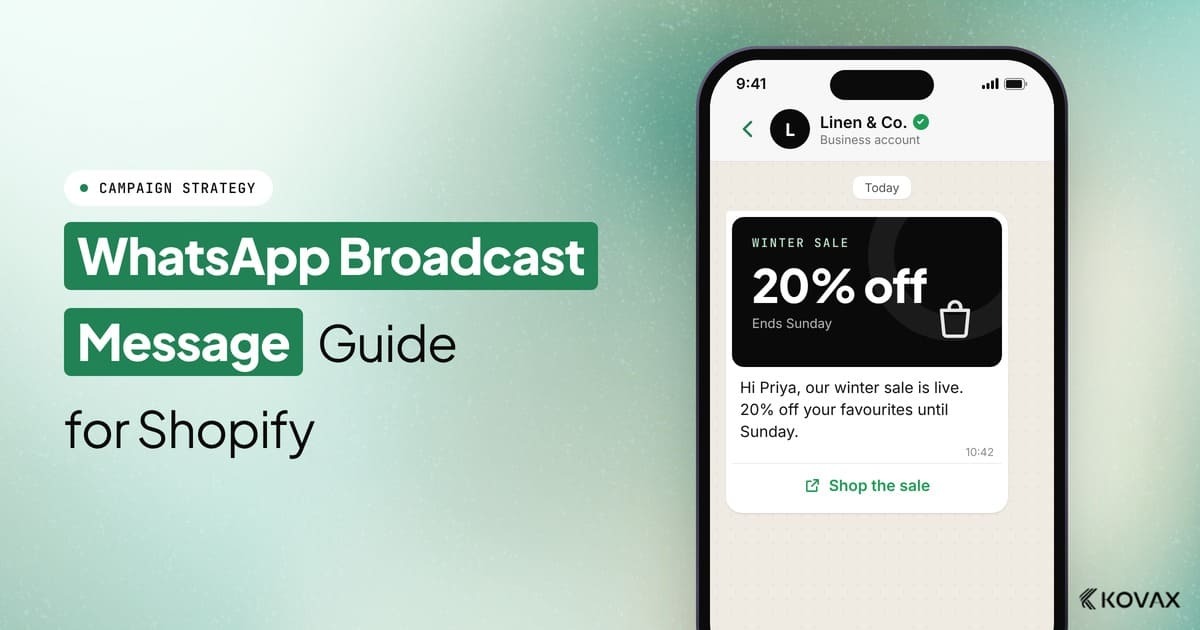
- WhatsApp (Dec 18): Still looking for a gift? Digital gift cards arrive instantly. Tap to send one: [link]
- Cart reminder (Within a day): You left something in your cart. We can still ship it before Christmas. Finish here: [link]
Test one change at a time, such as the subject line or the deadline wording, so you know what moved the result.
How to Optimize Your Shopify Store for Peak Holiday Traffic
More visitors do not guarantee more orders, and holiday and Christmas marketing only pays off when the store is ready for them. Shoppers need to find suitable products, understand the total cost, and feel confident that an order will arrive when expected.
Baymard Institute’s checkout research reports that extra costs are a leading reason shoppers abandon carts, with slow delivery also cited. Make the practical details easy to find before checkout.
- Mobile experience: Browse your store on a phone. Check that menus, product images, buttons, and cart controls are easy to use.
- Product pages: Make sizing, materials, product benefits, stock status, and return information clear.
- Shipping: Show delivery options, costs, and holiday order-by dates near product or cart details. Avoid promising arrival dates you cannot support.
- Checkout: Remove unnecessary steps and test payment methods, discount codes, and guest checkout.
- Page speed: Review your key landing and product pages. Remove unused apps, pop-ups, or scripts that slow the shopping experience.
- Inventory: Check stock levels for promoted products and set a plan for low-stock items.
- Customer support: Prepare clear answers about delivery, returns, order status, and product questions.
Test the full journey on a phone, from campaign link to confirmation page. Place a test order if your setup allows it, and confirm that the order confirmation and support information are correct. If a seasonal campaign promises gift wrapping or a special bundle, verify that the offer works in the cart and checkout.
Holiday and Christmas Marketing Mistakes to Avoid
Most holiday and Christmas marketing problems come from rushing, not from a lack of ideas. Check your plan against these before you launch:
- Starting with the discount. Decide your margin first, then choose the offer. A campaign that sells a lot at a loss is not a win.
- Hiding the cutoff date. Shoppers who cannot tell when an order will arrive will wait or leave. Put your last order date on product pages, in the cart and in every message.
- Sending the same message to everyone. Buyers, subscribers and abandoned carts need different copy.
- Ignoring mobile. Open every email, landing page and checkout on a phone before it goes live.
- Promising what you cannot ship. Remove sold out products from gift guides, and stop promoting delivery once a carrier cutoff has passed.
- Going silent after December 25. Gift recipients, returns and gift card holders are your January sales, so plan a thank-you and a follow-up.
15 Holiday Marketing Campaign Examples for Ecommerce
These holiday and Christmas marketing examples each pair a practical idea with a real ecommerce brand. The examples show the tactic in use, not guaranteed results. Shopify’s holiday marketing guide covers many of these tactics. Pick a few that fit your store and execute them well.
1. Build a gift guide by recipient
Create sections such as gifts for parents, coworkers, hosts, or teens. Link each selection to a product page so shoppers can move quickly from inspiration to checkout. Example: Gymshark sorts its gift guide by activity and price range.
2. Create a guide by budget
Group products into clear price ranges, such as under $25, under $50, and premium gifts. This helps shoppers browse within their budget. Example: Bombas pairs a Gift Guide and a Cozy Shop with a Gifts Under $50 collection.
3. Bundle complementary products
Pair items that work well together, such as a skincare routine or a coffee and mug set. Explain what is included and why the bundle makes a useful gift. Example: Mejuri groups its gifts into bundles.
4. Offer a personalized gift option
If your products support engraving, monograms, or custom colors, make personalization options and production times visible before purchase. Example: MORI adds a "Personalize me" button so shoppers can add a name to sleepsuits for an extra fee.
5. Add a gift-wrapping option
Let customers add wrapping at checkout or as a product. Show what the service includes and whether each item can be wrapped separately. Example: Numpfer offers free gift wrapping through a dedicated product page.
6. Launch a limited seasonal product
A seasonal scent, color, or packaging design can give returning customers a fresh reason to browse. Keep quantities and availability accurate. Example: Detour created a seasonal holiday blend with festive branding and winter-inspired flavors.
7. Give subscribers early access
Share a new collection or holiday offer with email or SMS subscribers before the general launch. Make the timing and any restrictions clear. Example: Happi Chocolate teased upcoming drops to its email subscribers.
8. Run a multi-day product feature
Spotlight one product, bundle, or offer each day over a short period. Share a consistent schedule so customers know when to return. Example: Chubbies ran a limited-time "12 Days of Chubbmas" promotion.
9. Create a seasonal collection page
Add a clearly named holiday collection to your store navigation. Keep it focused, current, and easy to browse on mobile. Example: Princess Polly added a Holiday Party collection to its main navigation.
10. Use a free-shipping threshold carefully
If the margins work, set a clear threshold and show how close a shopper is to reaching it. State any exclusions and delivery limits. Example: Heatonist runs a sitewide banner for free shipping on orders over $60.
11. Publish a delivery countdown
Update your site banner or campaign messages as shipping cutoffs approach. Use the carrier’s recommended dates as a guide, and make your own fulfillment limits clear. Example: Corkcicle shows a simple three-step order cut-off and delivery plan.
12. Promote digital gift cards for late shoppers
Gift cards solve the delivery problem when physical shipping is no longer practical. Explain how and when the recipient will receive the card. Example: Inkbox sells e-gift cards through its online store.
13. Send a last-minute gift email
Feature products that can still arrive in time, local pickup where available, or gift cards. Remove products whose delivery promise you can no longer meet. Example: One Wheel uses guaranteed holiday delivery messaging to create urgency late in the season.
14. Grow your list with a mystery offer
Use a pop-up that gives new visitors access to a surprise sale in exchange for an email or SMS opt-in. Be clear about what they are joining and how to unsubscribe. Example: Brooklinen uses a pop-up that gives access to a "Surprise Sale."
15. Follow up with abandoned-cart shoppers
Send a timely reminder that includes the product and a clear path back to checkout. If shoppers have opted in, use SMS or another supported channel for a concise follow-up. Make it easy to get help with delivery or product questions. Example: Pulp & Press sent a cart recovery email featuring a 30% offer.
For each campaign, match the message to the page it links to. An email about gifts under $50 should lead to that collection, not the homepage. A delivery reminder should take shoppers to products that are still available and can meet the stated timeline.
How Kovax Can Help You Build Successful Holiday Campaigns
In holiday and Christmas marketing, shoppers sometimes leave checkout because they are unsure about a product, delivery, or the total cost. A useful follow-up can give them a way to get answers and return to their order.
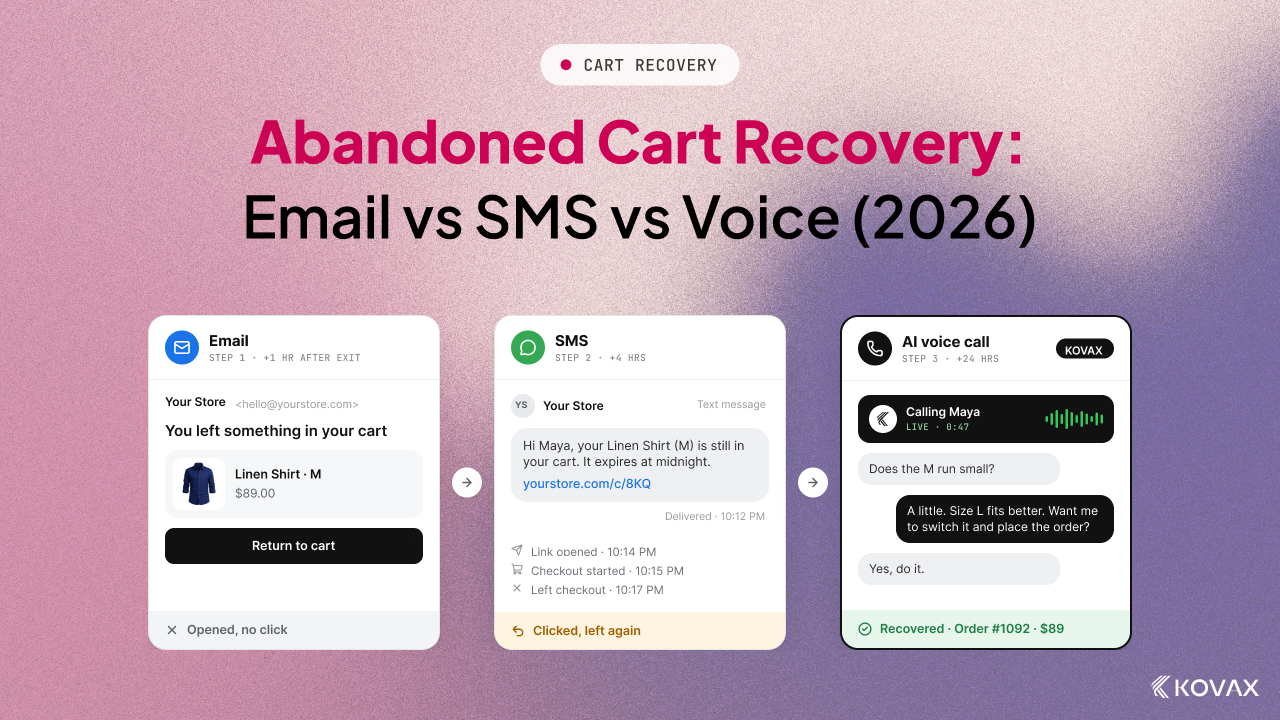
Kovax helps Shopify merchants follow up on abandoned checkouts with AI voice calls and messaging through channels such as SMS and WhatsApp. Merchants can use these touchpoints to answer common questions, share a checkout link, or clarify delivery information. The message should reflect the store’s real inventory and shipping cutoffs, and follow the customer’s communication preferences.
For example, a shopper leaves a gift order in the cart after checking the delivery date. A follow-up can provide a route back to checkout and explain the available shipping choices. If a shopper has opted in to receive messages, the store can send a concise reminder through an appropriate channel.
Use follow-up to support the campaign, not to replace clear product pages or honest delivery information. Review messages, timing, and opt-in settings before the holiday rush, then monitor recovered orders and customer responses.
Conclusion
Effective holiday and Christmas marketing combines useful offers with a smooth shopping experience. Plan campaigns around customer intent, prepare your Shopify store for mobile traffic, and make delivery information easy to understand. Test a handful of ideas from this guide, measure the results, and adjust based on what customers respond to.